

Before version 2.1.0 the company settings opened only in the browser. Now everything is available from the phone: the company profile, modules, the referral programme, developer keys, the activity log, the balance and payment.
The section is open to the company owner. The financial sections — to him only.
☰ → the Company button on the card at the top.
Step-by-step instructions
Company profile
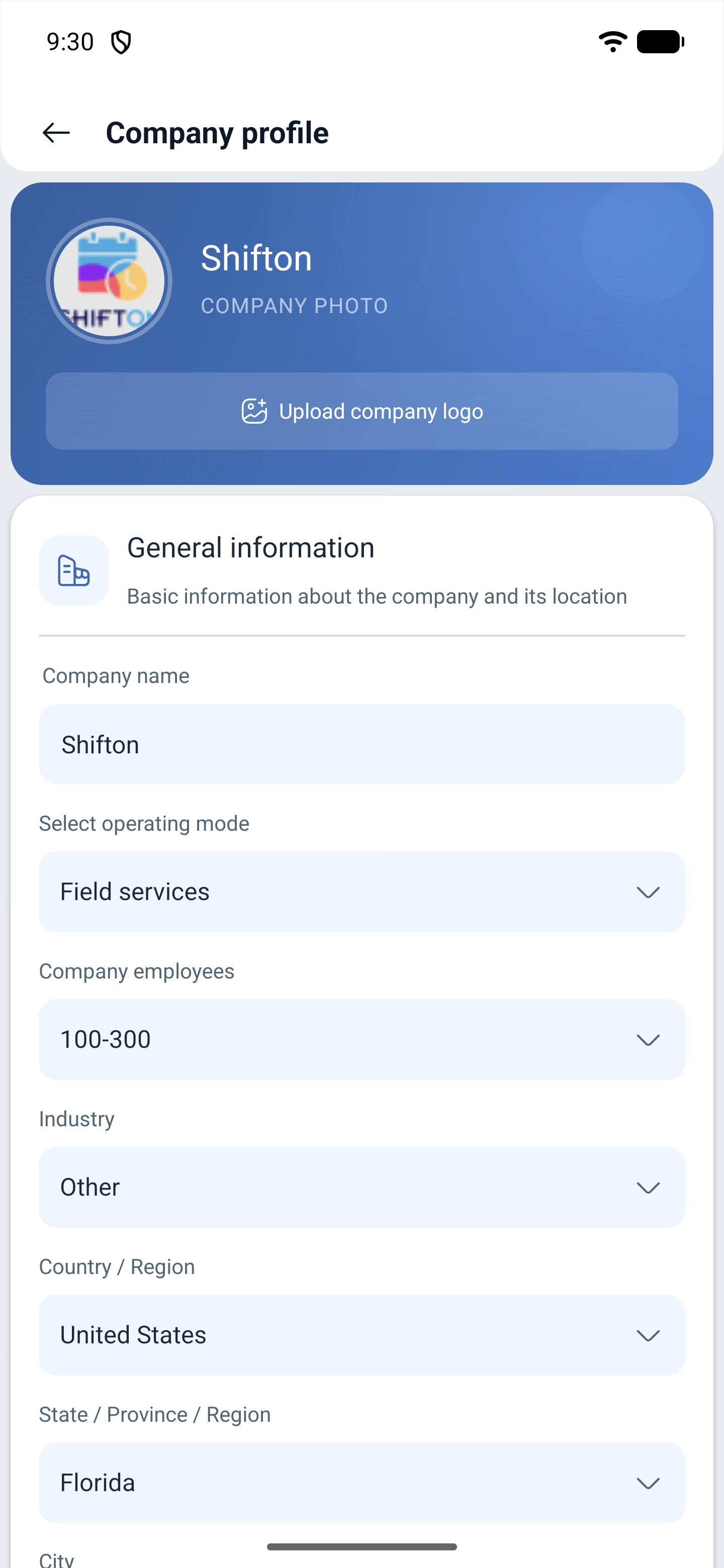
Company profile — the key details:
| Field | Description |
|---|---|
| Logo | Uploaded with the button above the name |
| Company name | What the organisation is called |
| Select operating mode | The operating mode: shift scheduling or field service |
| Company employees | The size of the company, for example 100–300 |
| Industry | The field of activity |
| Country, region, city, postcode | The company address |
| Multi-Currency Settings | Currencies, if the company works in several of them |
The operating mode switch is the very one that divides Shifton into shift scheduling and field service. It is worth changing it deliberately: it rebuilds the interface of the whole company.
Modules
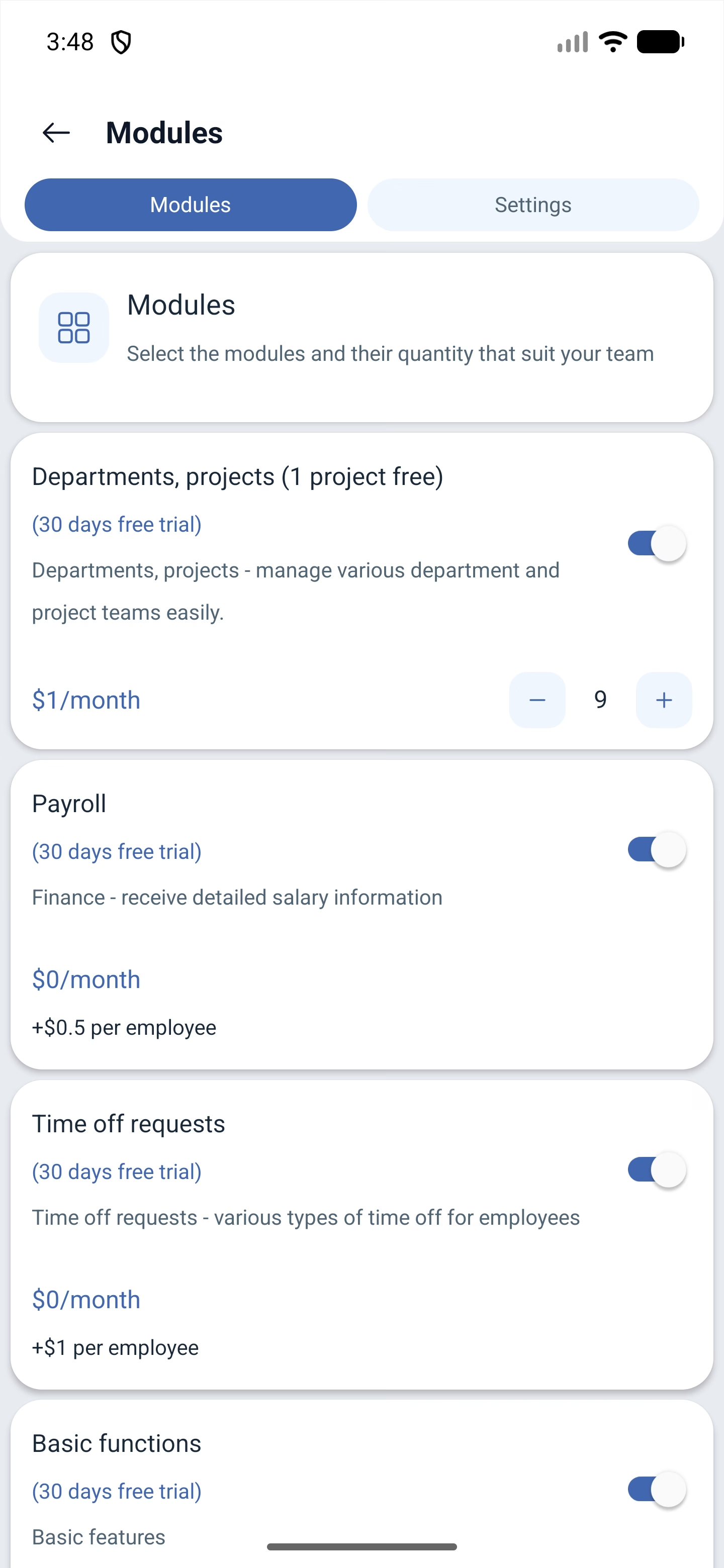
Modules — the list of what is enabled, with the price and the quantity. Every module has a description, a cost and buttons for decreasing and increasing the quantity: this is how you set for how many employees it is paid.
Modules that are not enabled are marked with a note about the trial period. One project is included in the plan free of charge.
Referral system
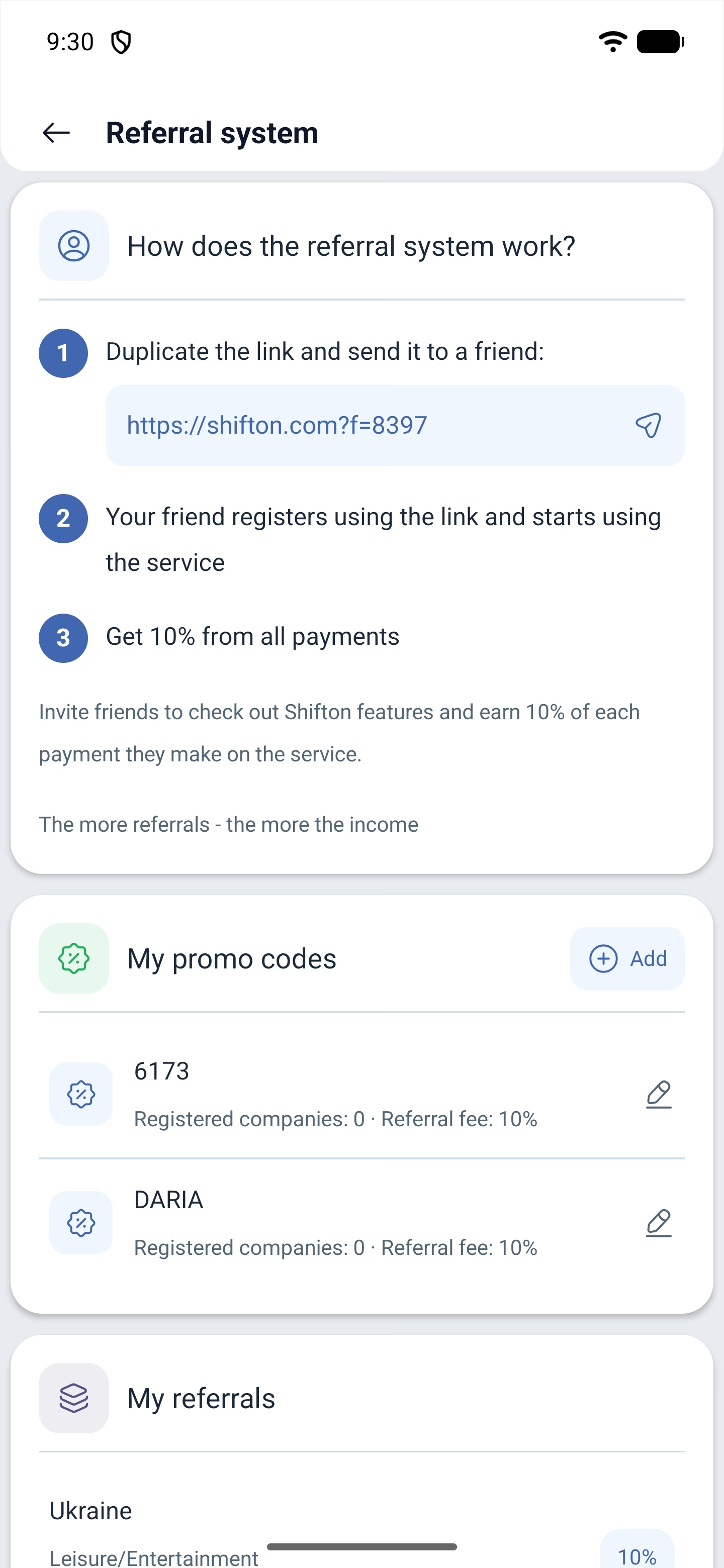
Referral system explains the scheme in three steps: copy the link, pass it to someone you know, receive 10 % of all their payments. The link is copied with the Duplicate link button.
Below is the My promo codes section with the Create promo code button — promo codes are created right here.
For developers
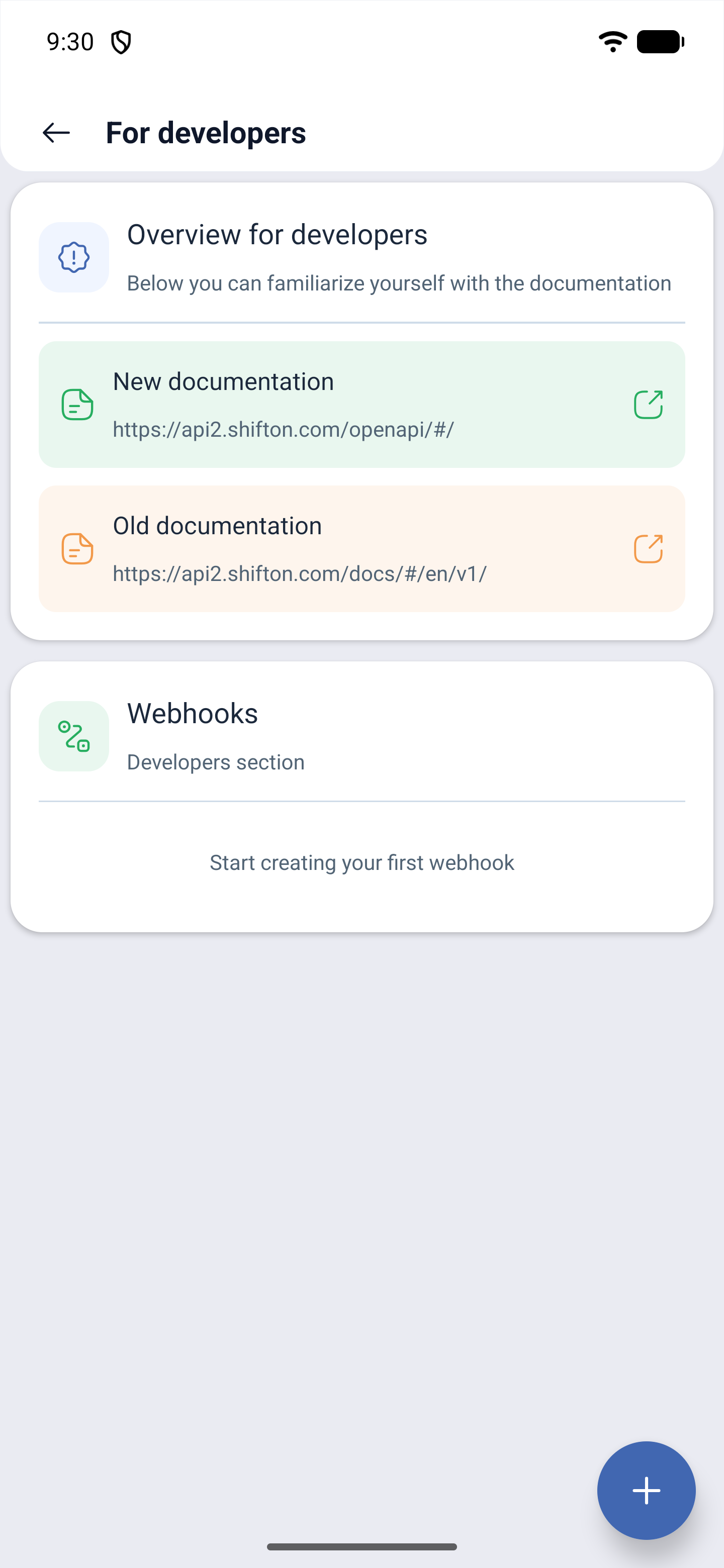
For developers — links to the API documentation, the new one and the old one, and the Webhooks section with a button for creating the first webhook.
Activity log
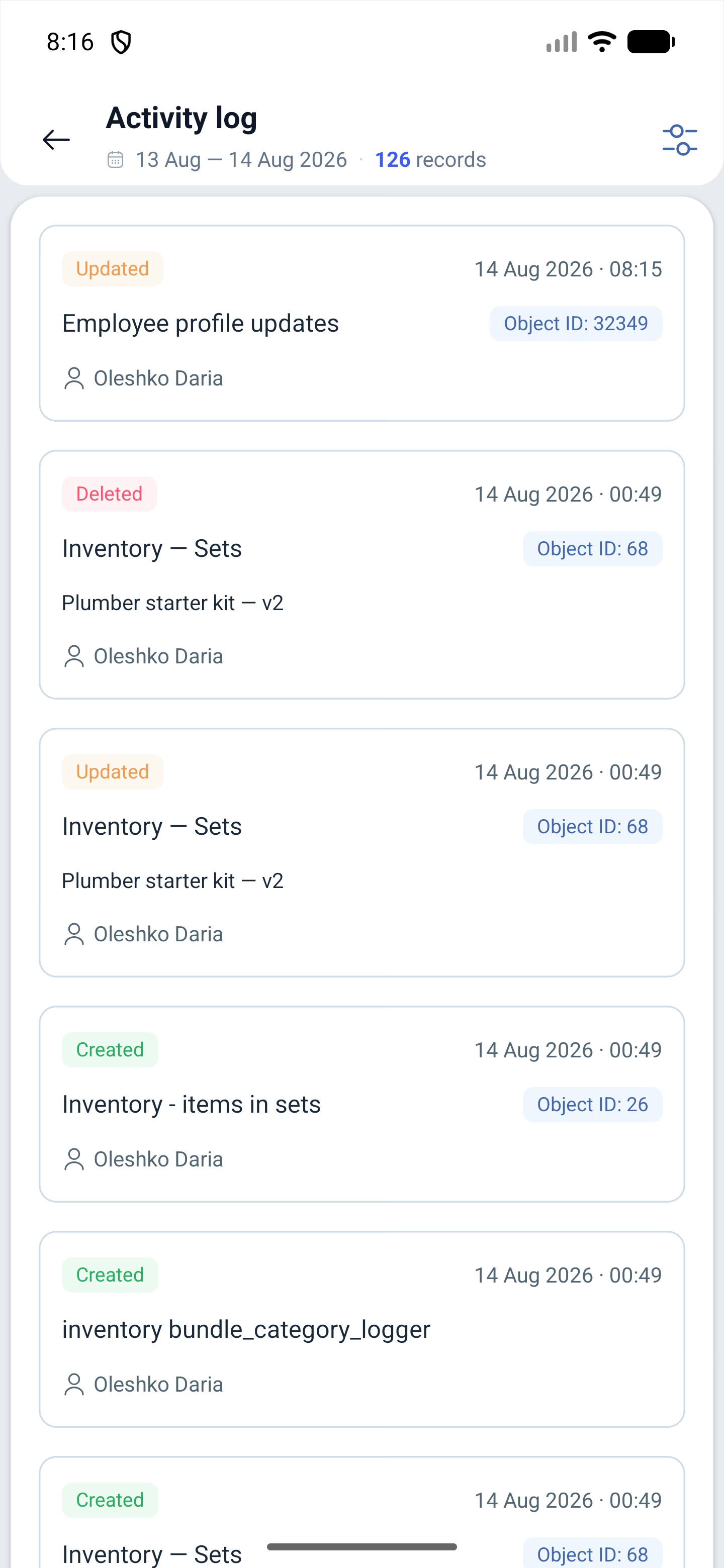
Activity log shows who changed what in the company: settings, schedules, employees, inventory, permissions.
The header carries the period and the number of records for it — for example 13 Aug — 14 Aug 2026 · 126 records — and the filters icon on the right.
Every record is a card: a coloured mark of the action (Updated, Deleted), the date with the time, what exactly was changed, the object number and the name of the person who made the change.
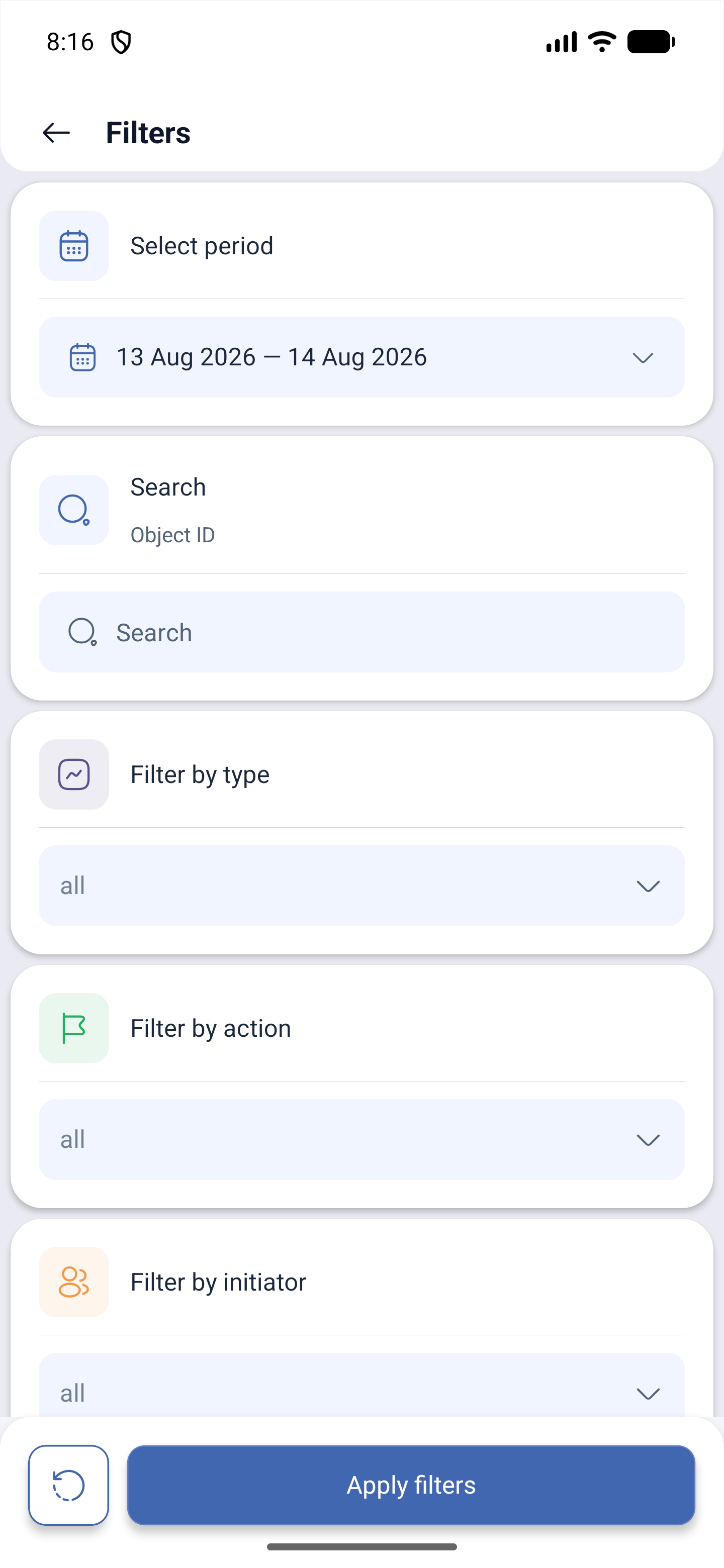
The filters narrow the selection down by five attributes:
| Filter | What it sets |
|---|---|
| Select period | The dates we are looking at |
| Object ID | Search for a specific record |
| Filter by type | What was changed: employees, schedules, inventory |
| Filter by action | Creation, modification, deletion |
| Filter by initiator | Who made the change |
If the list is empty, it is almost always the period: by default it is narrow, and in a couple of days nothing may have changed in the company.
Balance
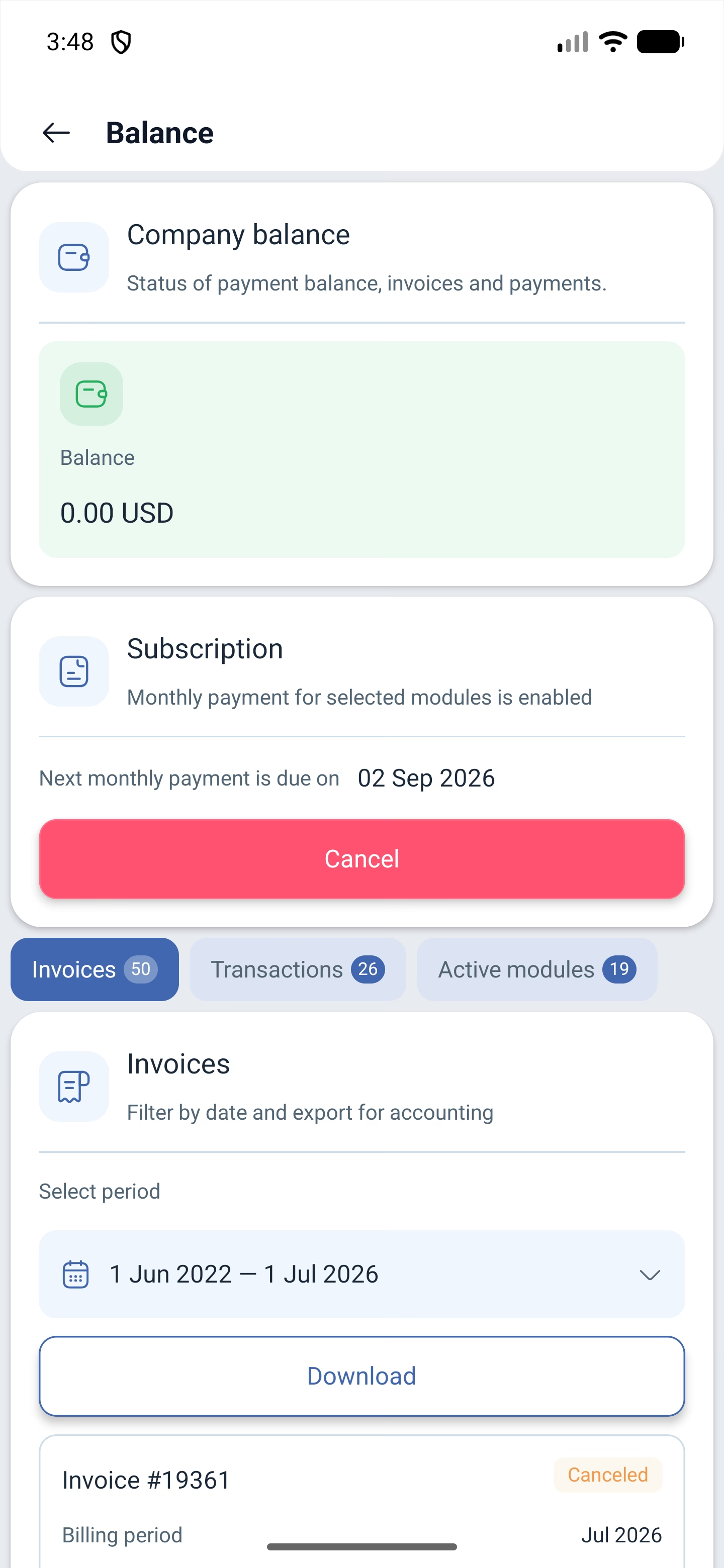
Balance — the company money:
| What is shown | Explanation |
|---|---|
| The amount on the balance | The current funds |
| Subscription | Whether the monthly payment is on and the date of the next charge |
| Invoices | The number of invoices issued |
| Transactions | The history of operations |
| Active modules | How many modules are enabled |
Cancelling the subscription and exporting the operations for a period also happen here.
Billing details and payment
Billing address — the organisation details for invoices. Payment methods — linking a card. Change company switches between your companies.
Possible problems and solutions
| Problem | Cause | Solution |
|---|---|---|
| There is no Company section | You are not the owner | The company settings are open to the owner |
| The company is blocked | The payment did not go through | Top up the balance or check the card in Payment methods |
| The module is on but the feature is missing | It is not paid for all employees | Check the quantity in Modules |
| Employees do not receive SMS | Enabling the module is not enough | Four conditions are needed: the module is enabled, SMS are allowed in the company settings, the employee has a number on file, the balance is topped up |
| The interface suddenly changed | The operating mode was switched | Company profile → Select operating mode |
| It is unclear who changed a setting | There is no habit of looking at the log | Activity log — it records who changed what |
Frequently asked questions (FAQ)
Question: Can the operating mode be switched from the phone? Answer: Yes, in the company profile. But this rebuilds the interface of the whole company, not only yours.
Question: Who sees the financial sections? Answer: Only the owner. The administrator has no access to the balance, the billing details or the payment methods.
Question: How much does the referral programme give? Answer: 10 % of all payments of the company you invited.
Question: Can a promo code be created in the app? Answer: Yes, the referral system has Create promo code.
Question: What happens if the subscription is cancelled? Answer: The monthly charge for the modules stops, and if payment is missed, access is blocked until the debt is settled.
Question: Can a webhook be set up from the phone? Answer: Yes, the For developers section → Webhooks.
Question: Where can invoices be seen? Answer: Balance — invoices, transactions and active modules are there.