

Connect Shifton to QuickBooks Online to sync payroll and employee data between the two platforms automatically.
What Is This?
The QuickBooks integration allows Shifton to sync payroll and employee data with QuickBooks Online. Once connected, payroll data from Shifton reports can be transferred to QuickBooks, reducing manual data entry and keeping your accounting records up to date.
Prerequisites
| Requirement | Details |
|---|---|
| Role | Owner |
| Account | Active QuickBooks Online account |
| Plan | Integration must be available on your Shifton subscription plan |
Step-by-Step Guide
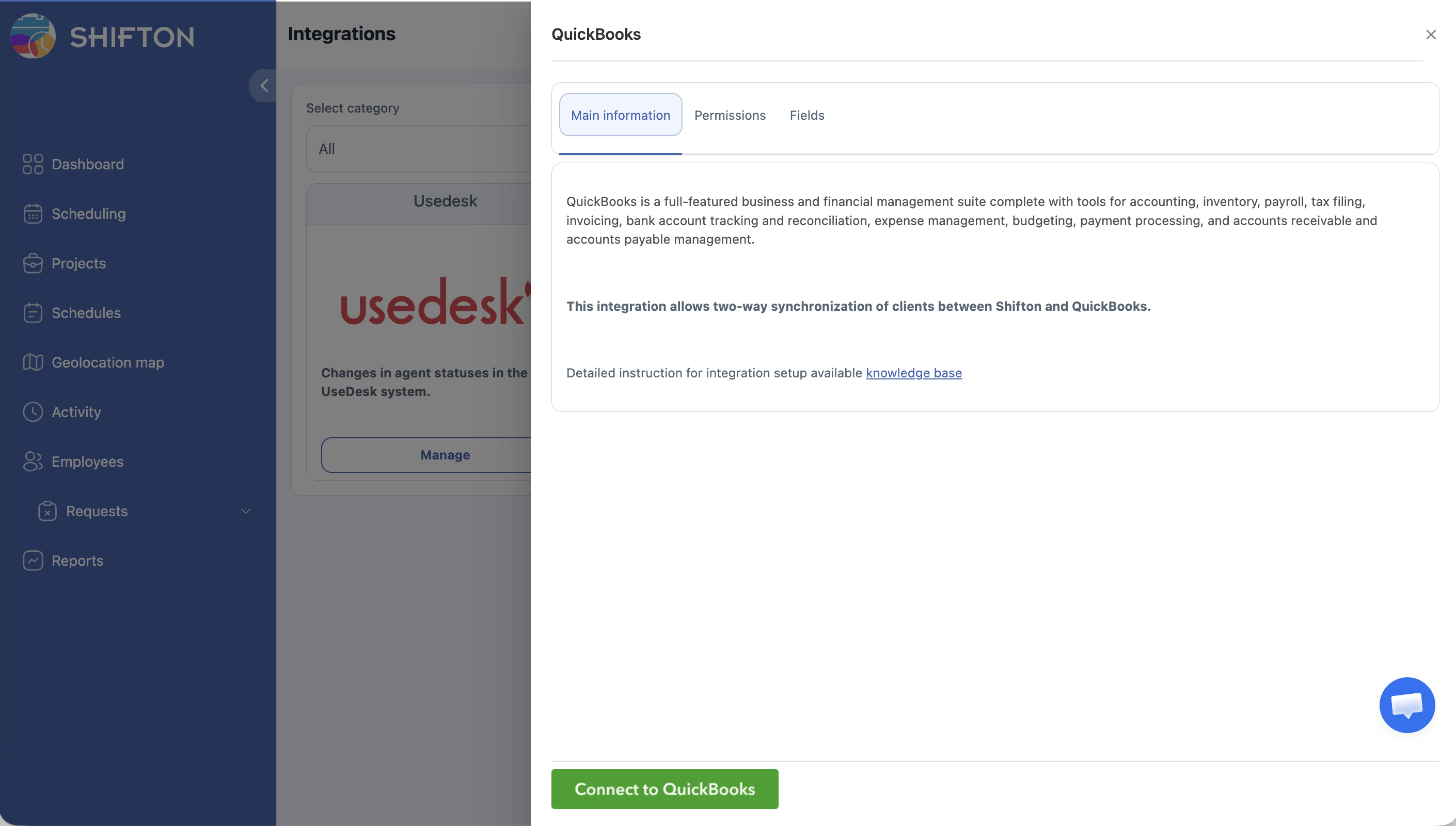
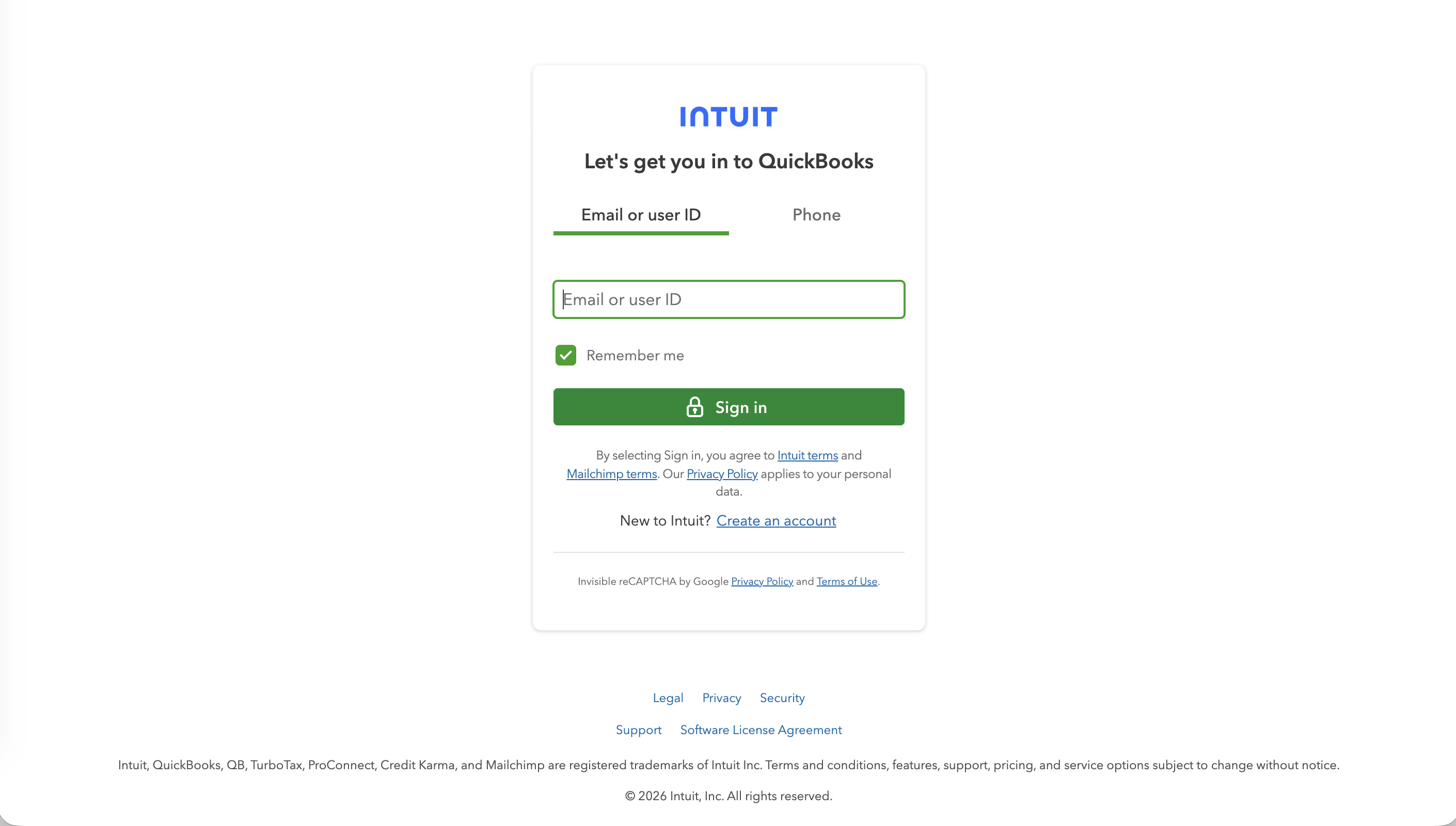
Payroll data from Shifton reports can now be synced to QuickBooks.
After Connecting
Once the integration is active:
– Payroll data calculated in Shifton (based on working hours and pay rates) can be exported to QuickBooks.
– Employee data stays synchronized between both platforms.
– Use the Pay Rate Reports module in Shifton to generate payroll data before syncing.
Access Permissions
| Role | Connect Integration | View Integration Status |
|---|---|---|
| Owner | Yes | Yes |
| No | No | |
| Manager | No | No |
| Employee | No | No |
FAQ
Q: Does QuickBooks need to be on a specific plan?
A: The integration works with QuickBooks Online. Check with QuickBooks to ensure your plan supports API-based integrations.
Q: What data is synced between Shifton and QuickBooks?
A: Payroll data and employee information. The exact scope depends on your Shifton plan and modules active (Pay Rate Reports module recommended).
Q: Can I disconnect the integration?
A: Yes. Go to Integrations, find QuickBooks, and use the disconnect or manage option to remove the connection.
Q: What if the authorization fails during setup?
A: Verify your QuickBooks credentials are correct and that your QuickBooks account has administrator-level access. Try again from the Integrations page.