

The Vacation Management module lets you track and manage each employee’s vacation days. You can set the number of vacation days when adding an employee and define the annual entitlement — the system automatically accrues and deducts days.
How to Enable
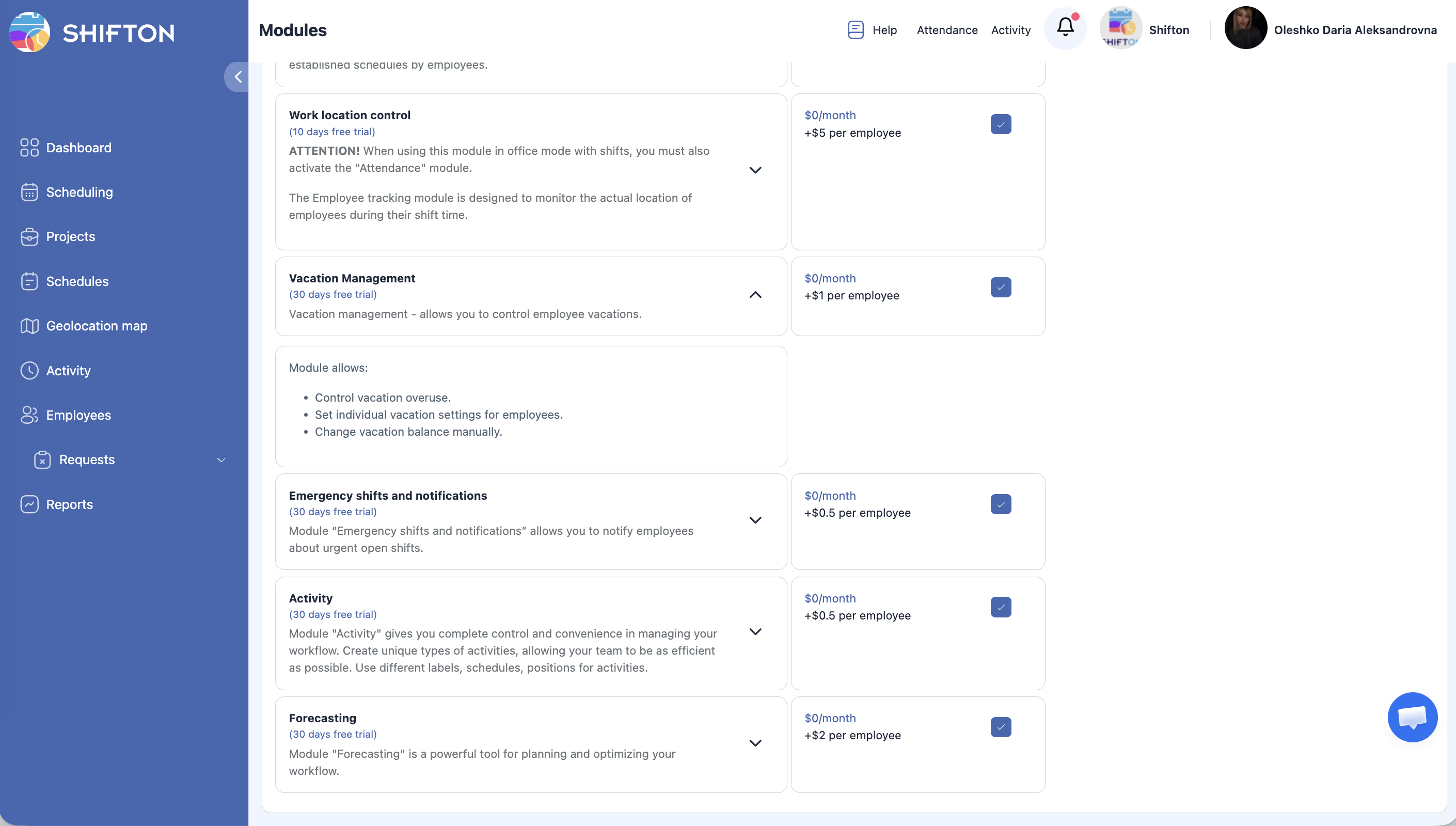
Module Settings
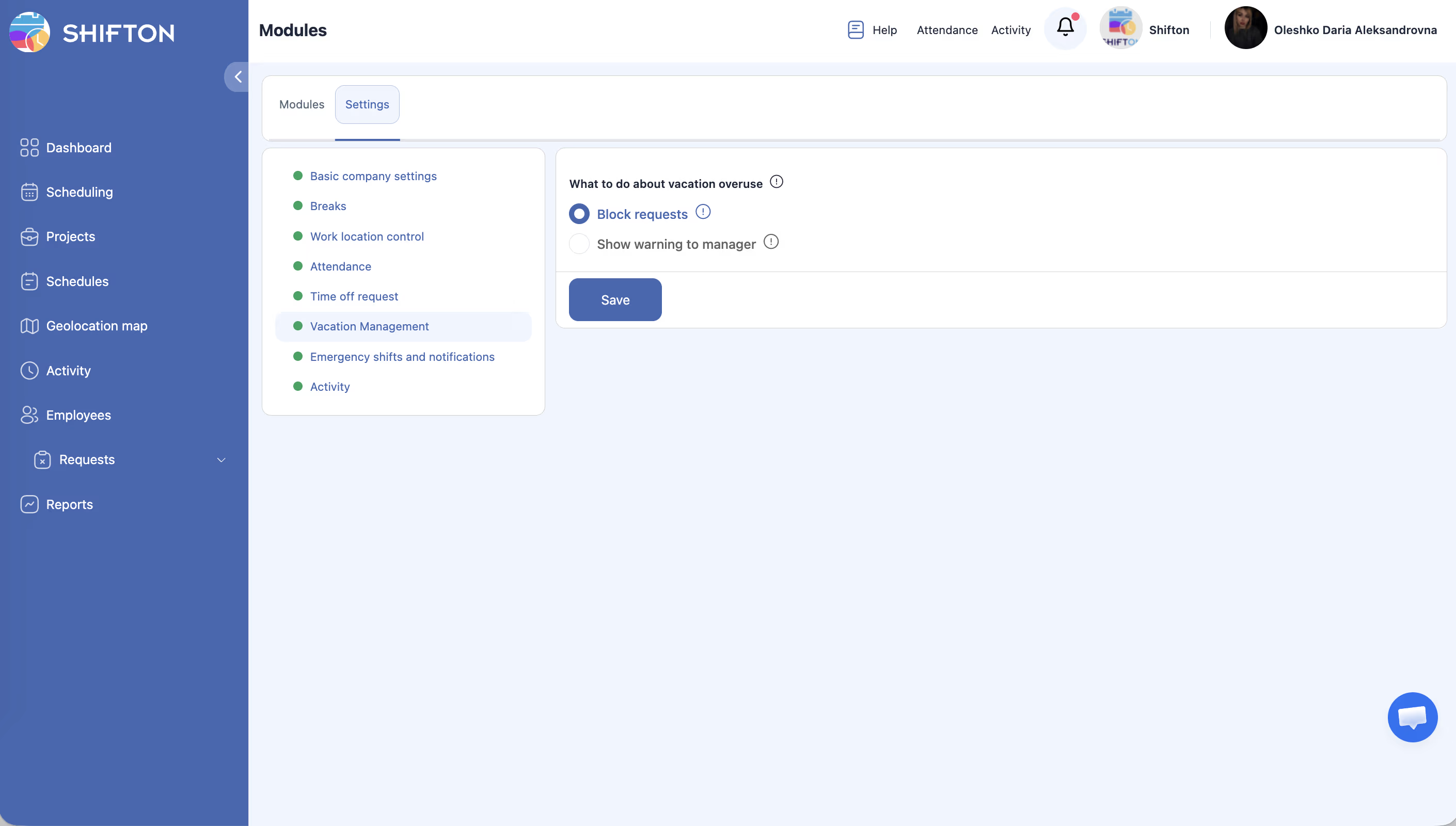
| Setting | Description |
|---|---|
| What to do about overuse | Block requests — prevents submitting a request when the balance is zero. Show warning to manager — the request goes through, but the manager sees a warning. |
Pricing
$0/month + $1/employee/month.
For details on vacation management, see Vacation Management Guide — accrual setup, employee balances, overuse handling, integration with Time-Off Requests, and FAQ.
FAQ
Q: What happens if an employee submits a request with zero vacation balance?
A: It depends on the setting: Block requests — the request won’t be submitted; Show warning to manager — the request goes through, but the manager sees an overuse warning.
Q: How do I set vacation days for an employee?
A: In the employee profile → Vacations tab — set the initial balance and annual entitlement.
Q: Does the system accrue days automatically?
A: Yes. If an annual entitlement is set, days are accrued automatically (proportionally each month).
Q: Can I use this module without Time-Off Requests?
A: Vacation Management recommends Time-Off Requests for full functionality — without it, employees won’t be able to submit vacation requests through the system.
Q: Where can I see vacation balances for all employees?
A: In the Vacation Balance report — it shows accruals, usage, and remaining balance for each employee.
Q: Can I set different vacation days for different employees?
A: Yes. Balance and entitlement are configured individually in each employee’s profile.