

The Work location control module adds GPS tracking to attendance: it monitors where employees are during shifts and notifies managers when someone leaves the work zone.
The module records the full route of each employee during a shift — path, distance, and time at each point.
Q: 10 days (not up to 60, as with most modules).
How to Enable/Disable
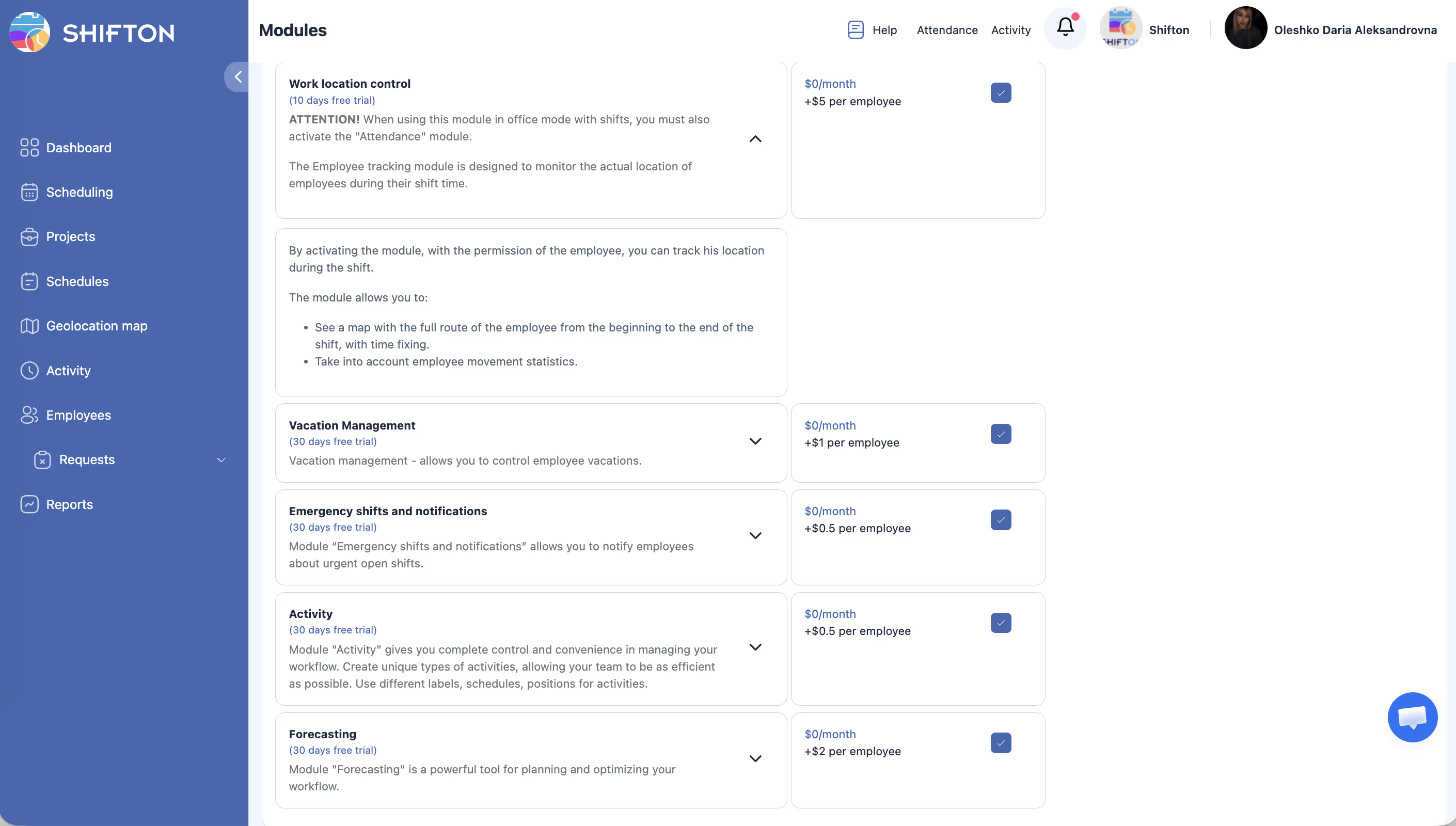
Modules → Work Location Control → toggle the switch. Requires an active Attendance module.
Module Settings
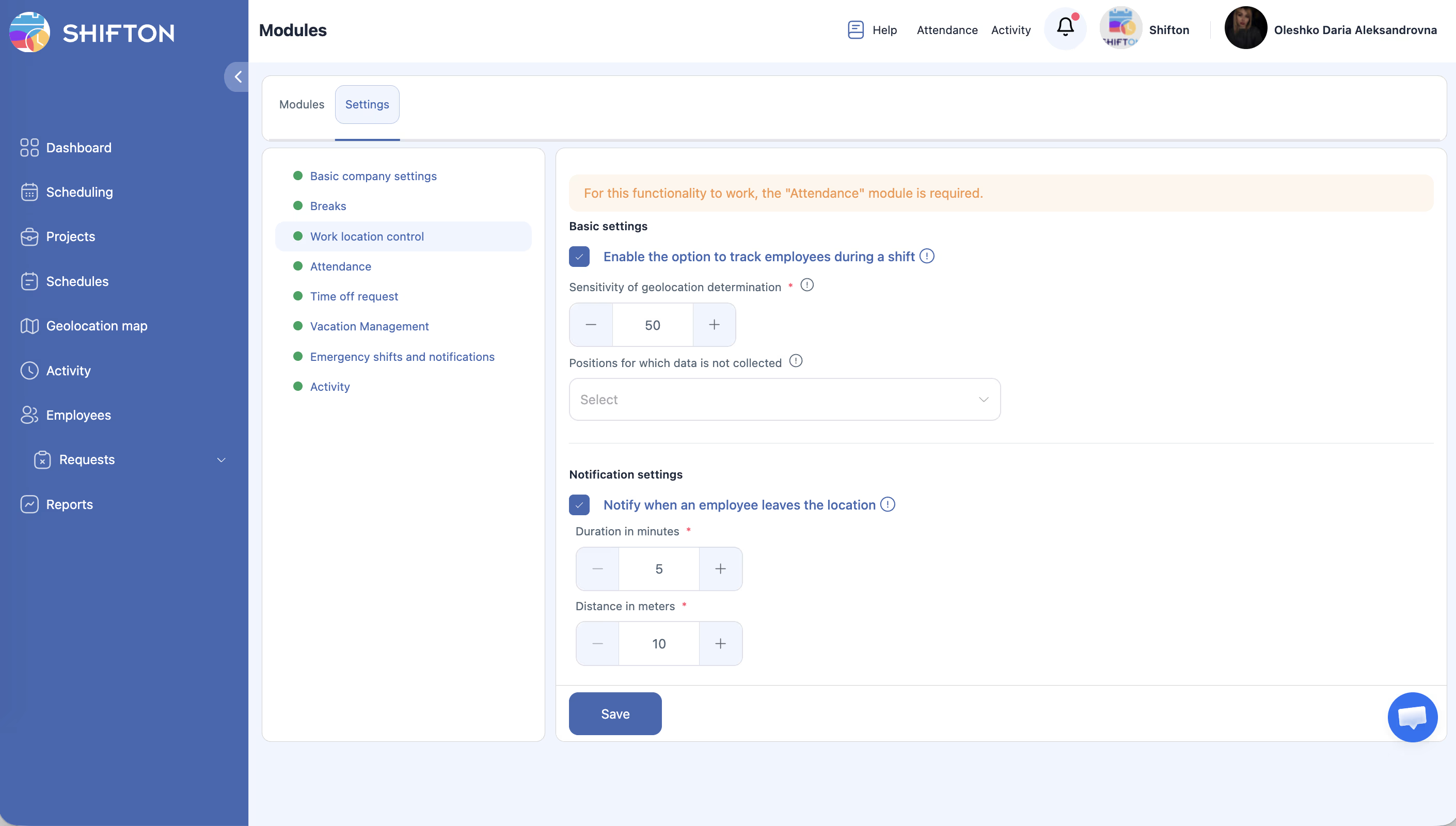
Go to Modules > Settings > Work Location Control:
| Setting | Description | Default |
|---|---|---|
| Enable tracking | GPS tracking for all employees | Enabled |
| Geolocation sensitivity | “On-site” radius in meters | 50 meters |
| Positions to exclude | Positions exempt from tracking | None |
| Notification when leaving location | Notification on departure | Enabled |
| Duration (minutes) | Time outside the zone before notification | 5 minutes |
| Distance (meters) | Minimum distance to register departure | 10 meters |
Pricing
$0/month + $5/employee/month. Trial period: 10 days.
For details on GPS/IP validation, see GPS and IP Validation — platform-specific verification setup, geolocation sensitivity, notifications, and FAQ.
FAQ
Q: Can I use Work Location Control without the Attendance module?
A: No. The Attendance module is a required dependency. Enable Attendance first, then Work Location Control.
Q: What does a manager see when an employee leaves the work zone?
A: The manager receives a notification (if Notification when leaving location is enabled). The employee’s route is shown on the map.
Q: Can I exclude certain positions from GPS tracking?
A: Yes. In the Positions to exclude setting, select the positions that don’t require tracking.
Q: What radius counts as “on-site”?
A: By default, 50 meters (the Geolocation sensitivity setting). You can adjust it.
Q: How long outside the zone before a notification is sent?
A: By default, 5 minutes (the Duration (minutes) setting). You can adjust it.
Q: Why is the trial period 10 days instead of up to 60?
A: Work Location Control is a higher-cost module ($5/employee/month), so the trial is shorter.
Q: Does GPS tracking record the route continuously?
A: Yes, the module records the full route during a shift — path, distance, and time at each point.
Q: What if GPS isn’t working on an employee’s device?
A: Check OS permissions: location access must be set to “Always”, not “While Using”.
Q: Does the module work in the browser?
A: In the browser, IP verification is enabled separately in Attendance settings (Check IP). GPS route tracking works only via the mobile app.
Q: Can I view employee routes from past days?
A: Yes. See Geolocation Map for details.