

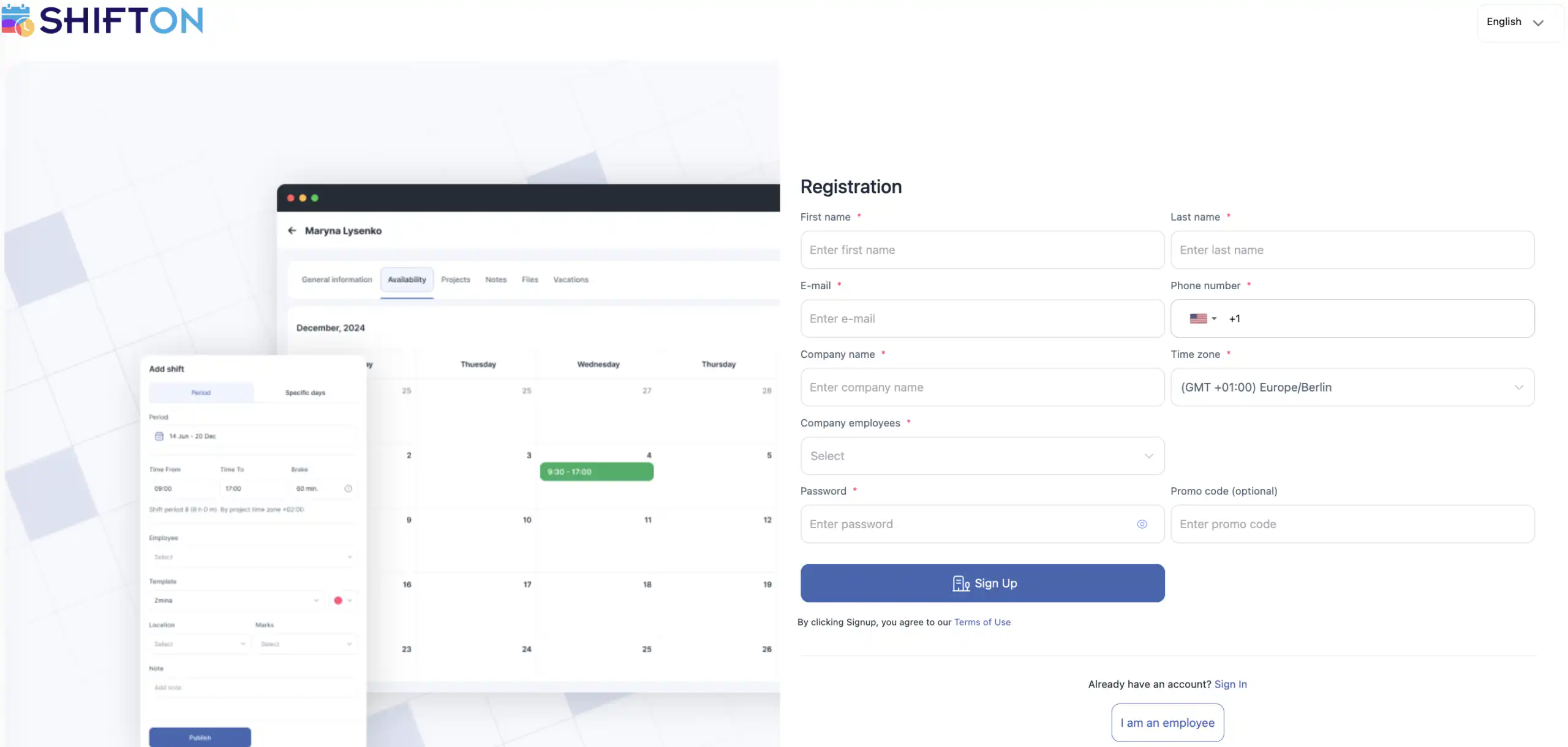
Important before registration
If you see a user type selection during registration — choose Company Owner, not Employee.
Employees cannot register on their own. The company owner must send an invitation after registration.
At the top of the registration page, you can change the interface language.
Registration form
The company registration form includes the following fields:
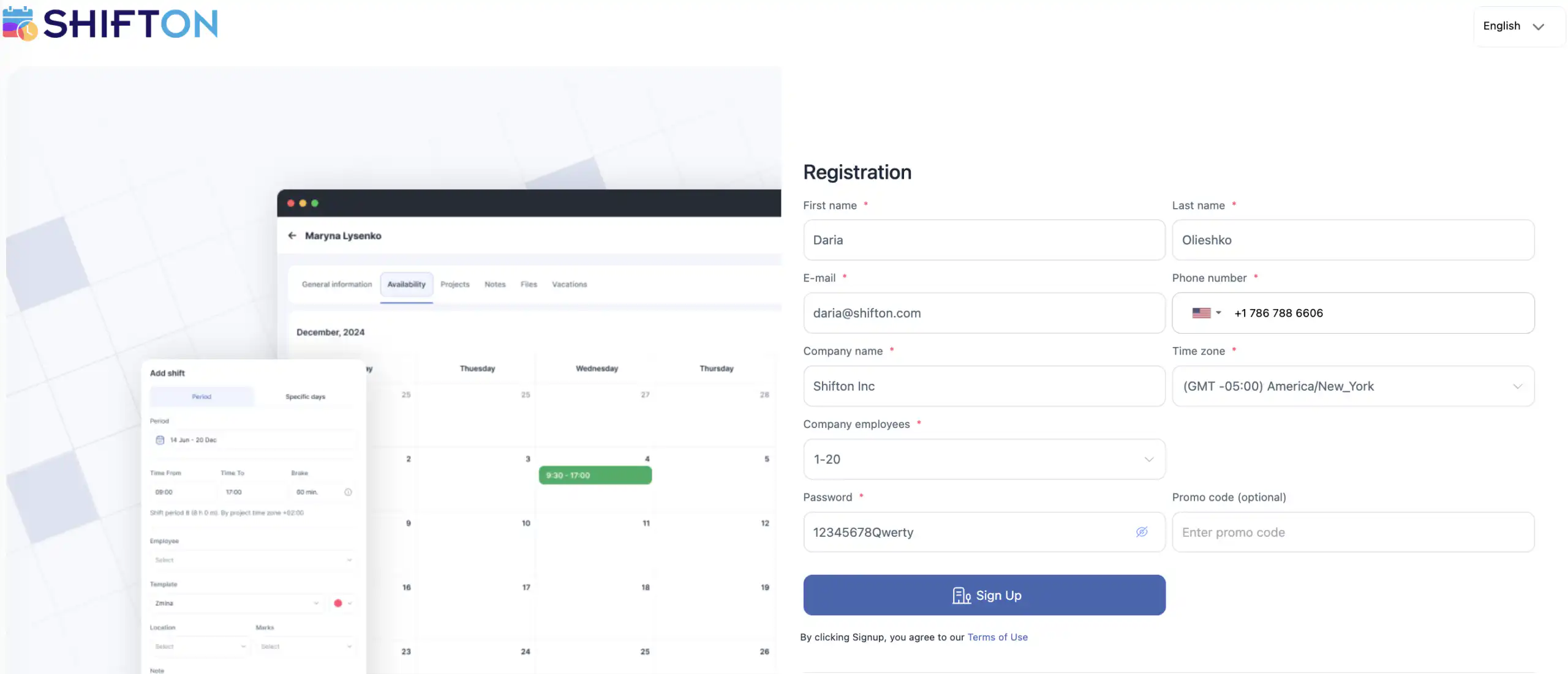
First name *
First name of the company owner. Can be changed after registration.
Last name *
Last name of the company owner. Can be changed after registration.
E-mail *
Email for account login. Each email can be used only once. Red highlight = already in use or invalid.
Phone number *
Must be verified to send employee invitations. Each number can be used only once.
Company name *
Used for invoices and reports. Can be changed after registration.
Time zone *
Required for correct time display in the system.
Company employees *
Select the number of employees in your company.
Password *
Create a password for login. You can change or recover it later.
Promo code (optional)
You can receive a promo code from another Shifton user. It may provide a discount, extended trial period, or other bonuses.
If any field is highlighted in red, the entered data is incorrect.
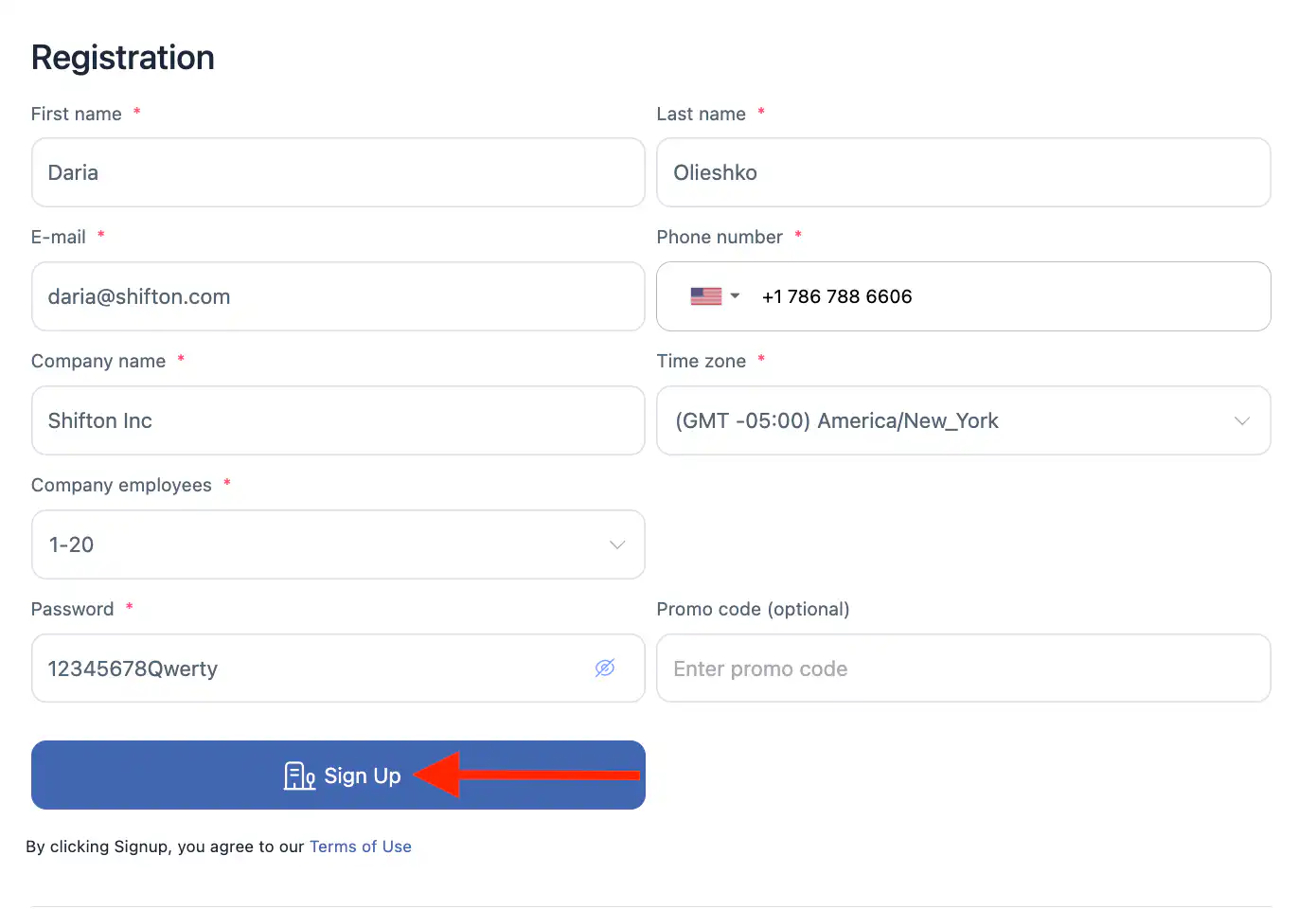
After completing the form, click “Sign Up”
Frequently Asked Questions
Can I register a company using the mobile app?
No. Company registration is available only through the web version.
Can I register as an employee?
No. Employees cannot register themselves. They must be invited by the company owner.
Can I change my information after registration?
Yes. You can update your name, email, phone number, and company name after registration.
Why is my email or phone number highlighted in red?
This means the data is already in use or entered in an invalid format.
Is a phone number required?
Yes. A phone number is required and must be verified to invite employees.
Is a promo code mandatory?
No. The promo code field is optional.
Can I change my password later?
Yes. You can change or recover your password in your profile settings.