Choose language

Trial Period

The trial period is a free use of the Shifton system, automatically granted to every company after registration.

The standard trial lasts 10 days from registration. During this time, you can earn additional trial days by completing setup tasks.

After registration, a green banner with a 10-day countdown appears at the top of the interface:
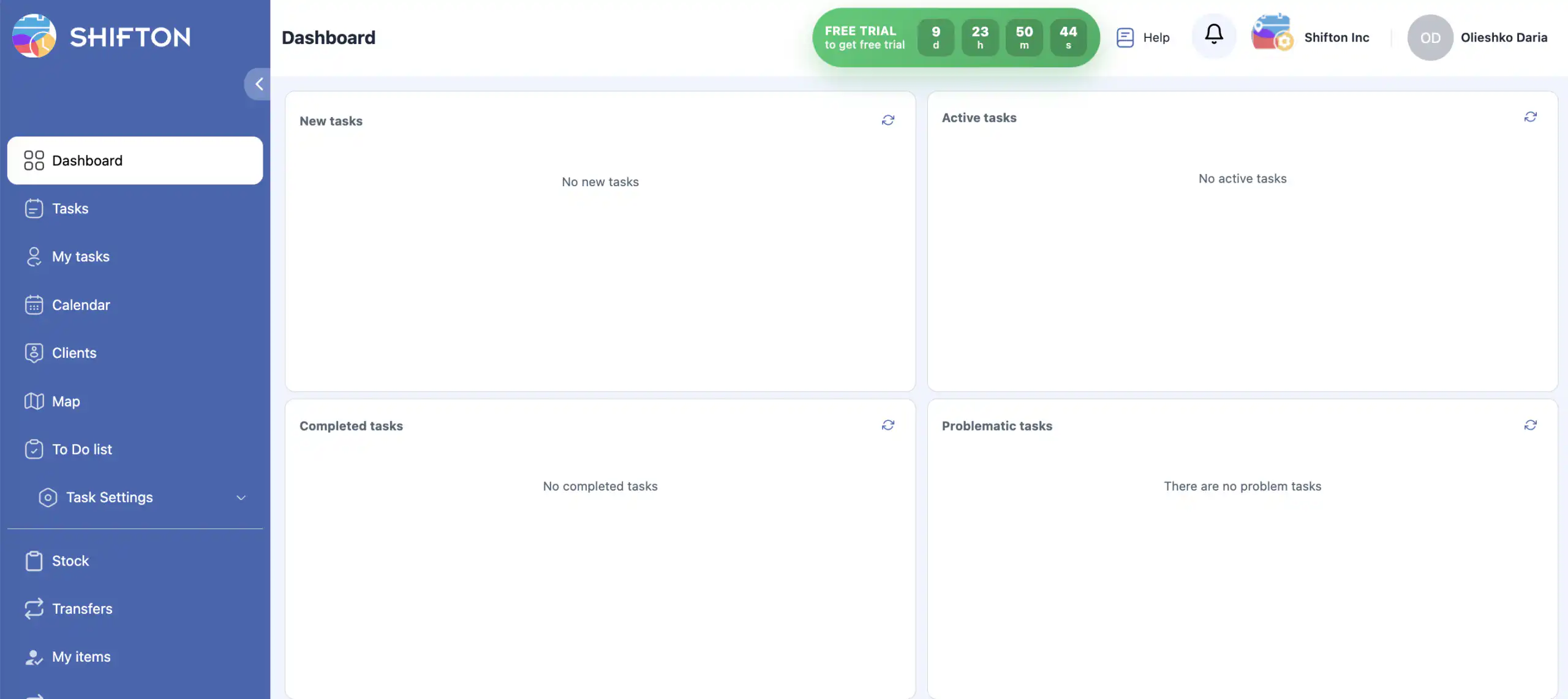
Trial period banner

Extended Trial

Complete specific tasks to earn +5 to +15 trial days each.

Earned days are added to the standard trial. The maximum free usage period is 55 days.

The trial button color changes over time:
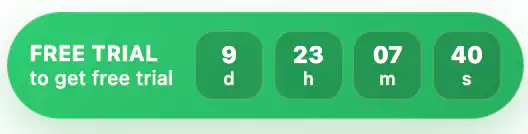
Days 1-3
Green
Green banner
Days 4-7
Orange
Orange banner
Days 8-10
Red
Red banner

After 10 days, the trial button disappears and earning additional trial days becomes unavailable.
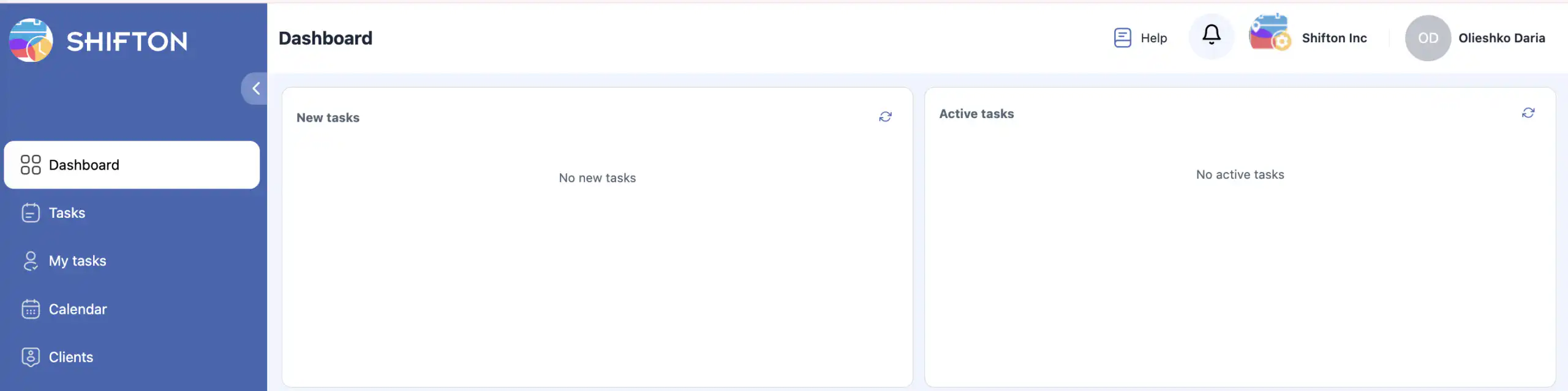
Trial expired

Tasks to earn additional trial days

All tasks are based on initial system configuration.

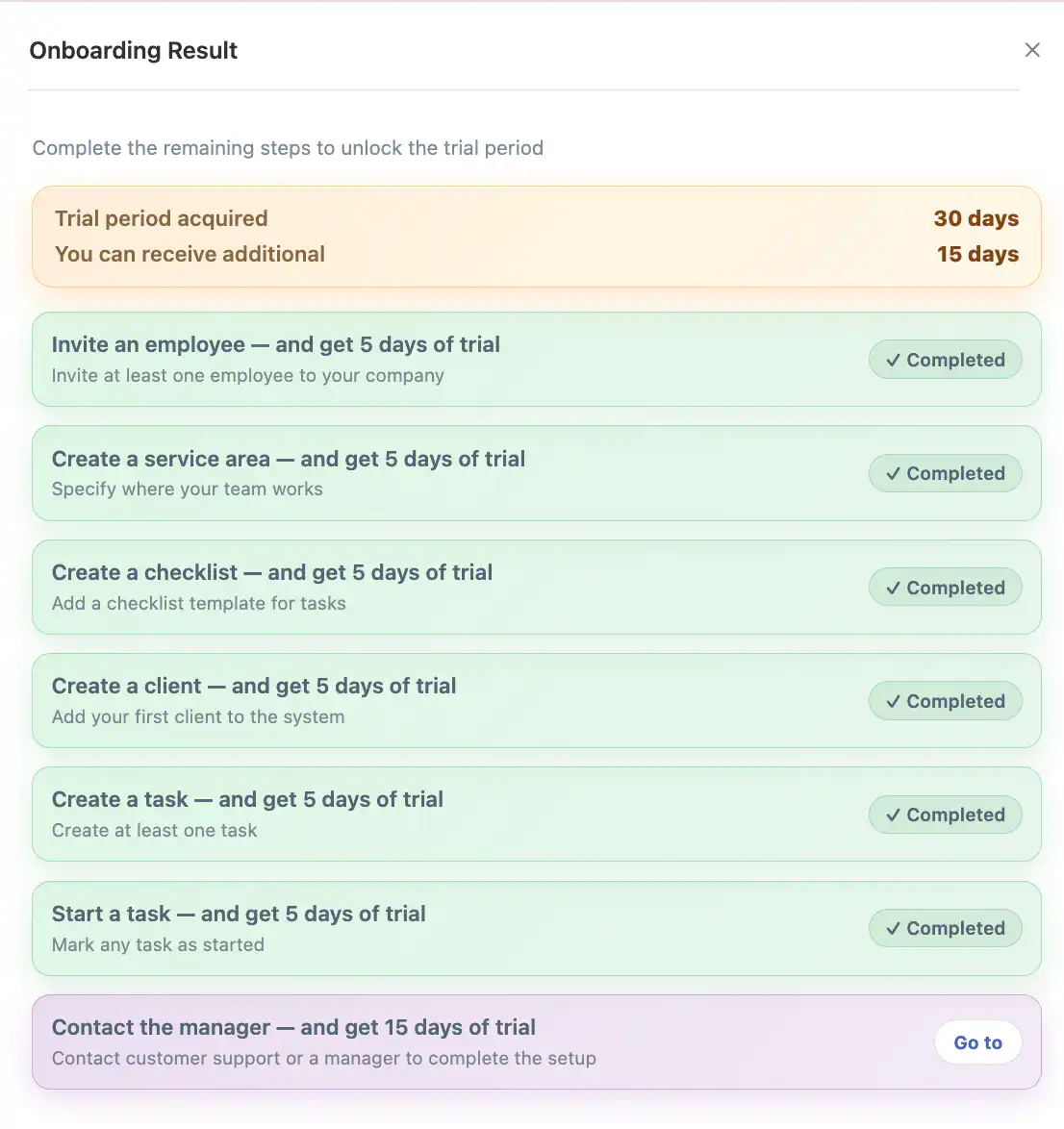
Click the trial button to open a side panel showing the task list and your earned days.
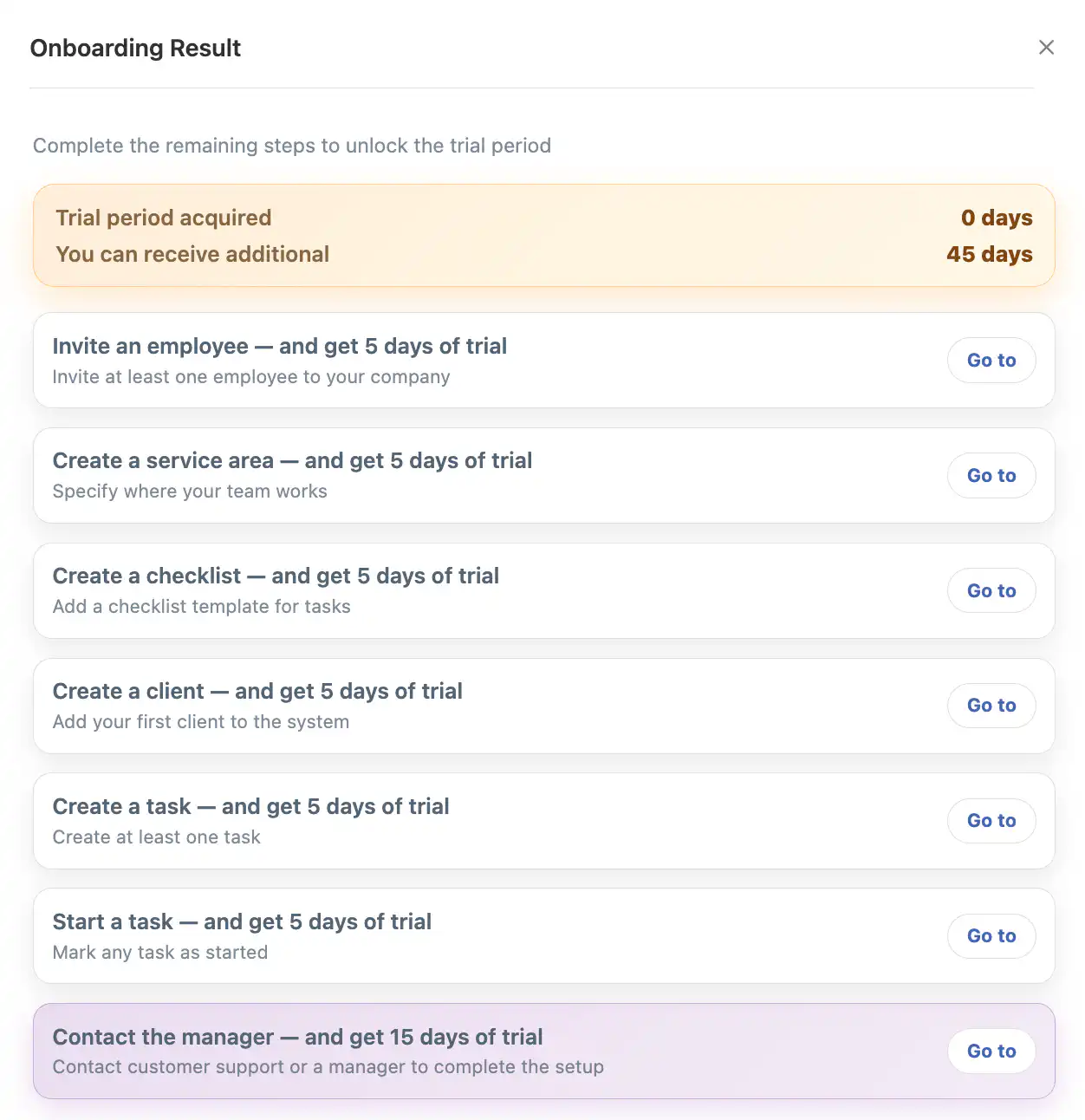
Trial tasks panel

Available tasks:

Invite at least one employee to your company.
+5 days
Define where your team operates.
+5 days
Add a checklist template for tasks.
+5 days
Add your first client to the system.
+5 days
Create at least one task.
+5 days
Mark any task as started.
+5 days

Schedule and attend a meeting with our manager to complete system setup.
+15 days

Each task includes a “Go to” button that redirects you to the relevant page.

Each task can be completed only once to earn trial days.

After completing a task, it is marked as completed and the earned days are displayed in the trial panel:
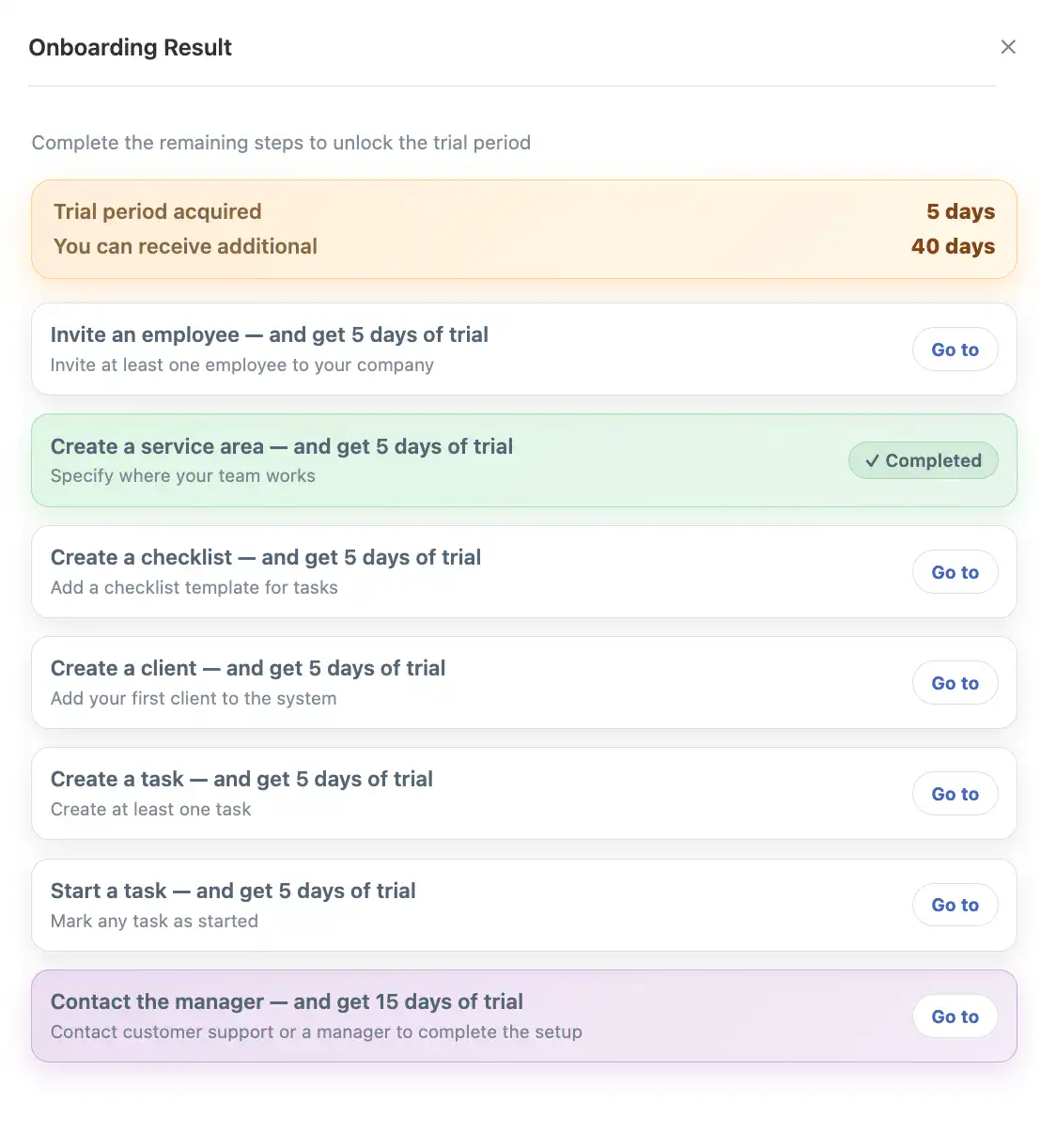
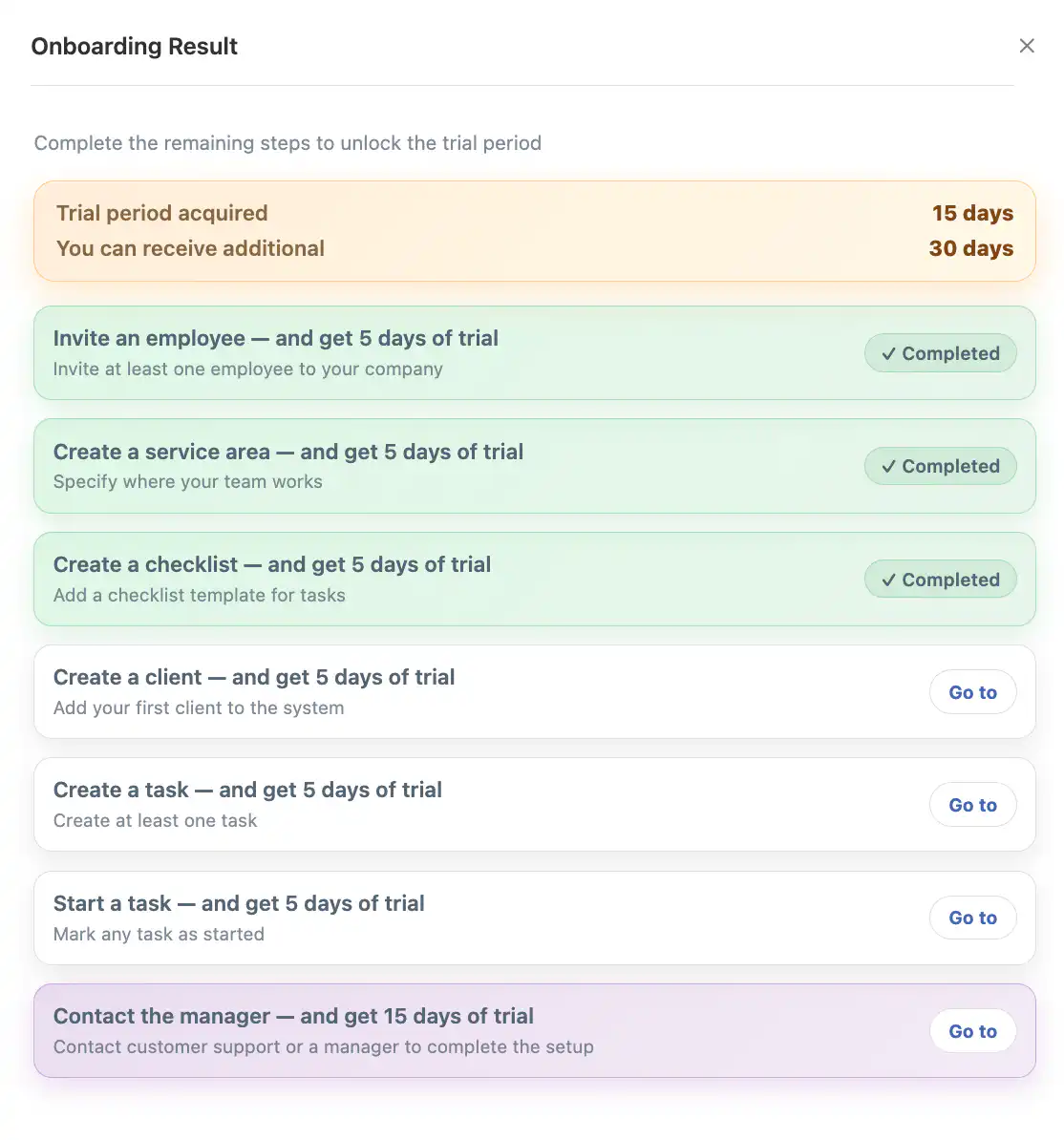
Task progress 1
Task progress 2
Task progress 3

When all tasks are completed, the banner turns green:

All tasks complete

Your total free usage period becomes 55 days from registration:
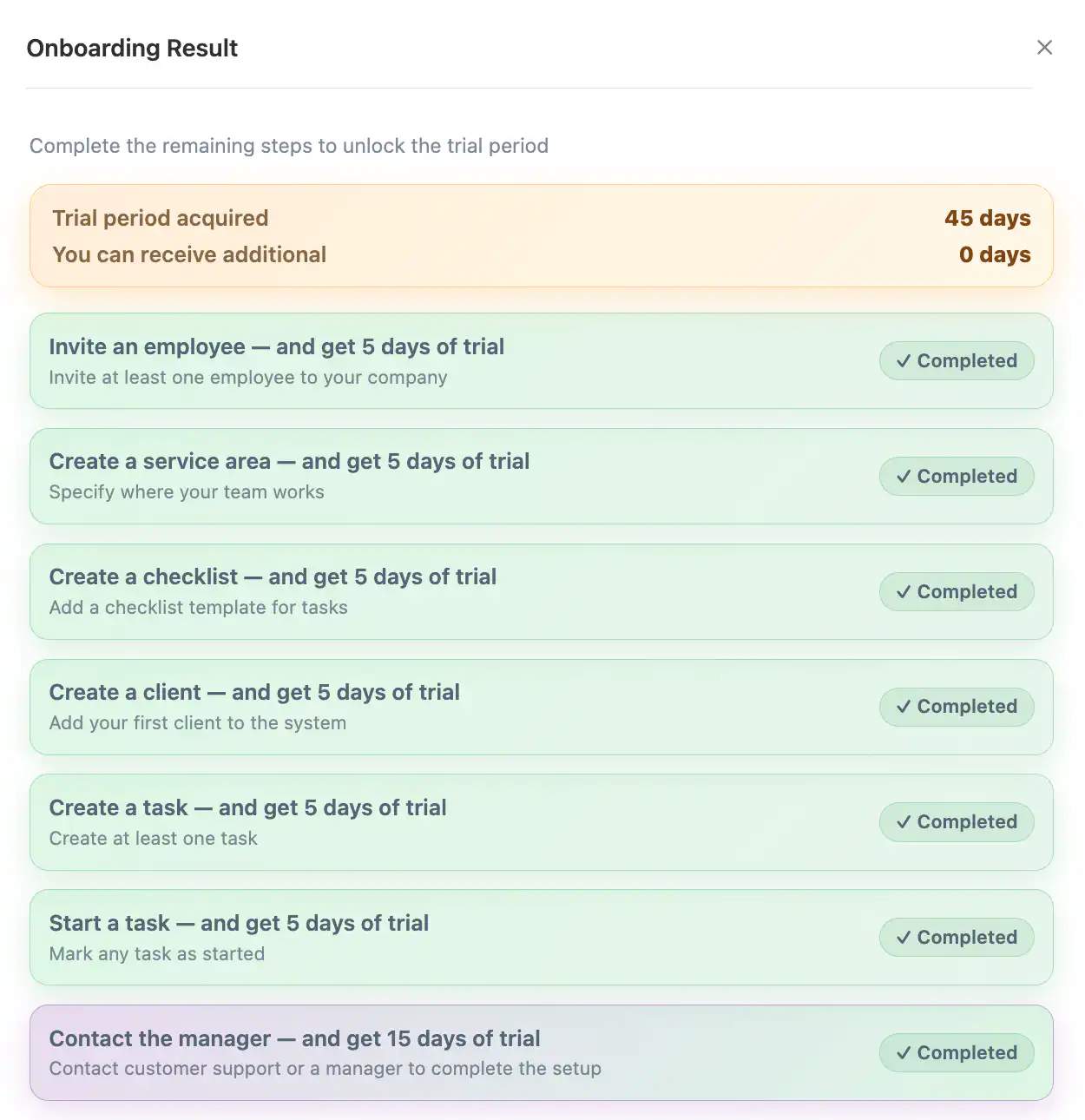
55 days trial

Frequently Asked Questions

When does the trial period start?
The trial starts automatically immediately after company registration.
How long is the standard trial?
The standard trial lasts 10 days from the registration date.
Can I extend the trial period?
Yes. You can earn additional trial days by completing setup tasks.
What is the maximum number of trial days?
The maximum free trial period is 55 days.
Can I earn trial days after the initial 10 days?
No. After 10 days, the trial button disappears and tasks become unavailable.
Can I complete the same task multiple times?
No. Each task can be completed only once.
Is contacting a manager required for the full trial?
Yes. Without the “Contact the manager” task, you cannot reach the maximum 55-day trial.