

The My Items section allows you to view the tools assigned to you and, depending on your access rights, the tools assigned to other employees.
Who can access this section
Viewing your own tools
Available to all users.
Viewing tools of other employees
Available to:
the company owner;
administrators;
task approvers — only for employees from the service areas where the approver is assigned.
How to open the “My Items” section
Open the side menu.
Select My Items.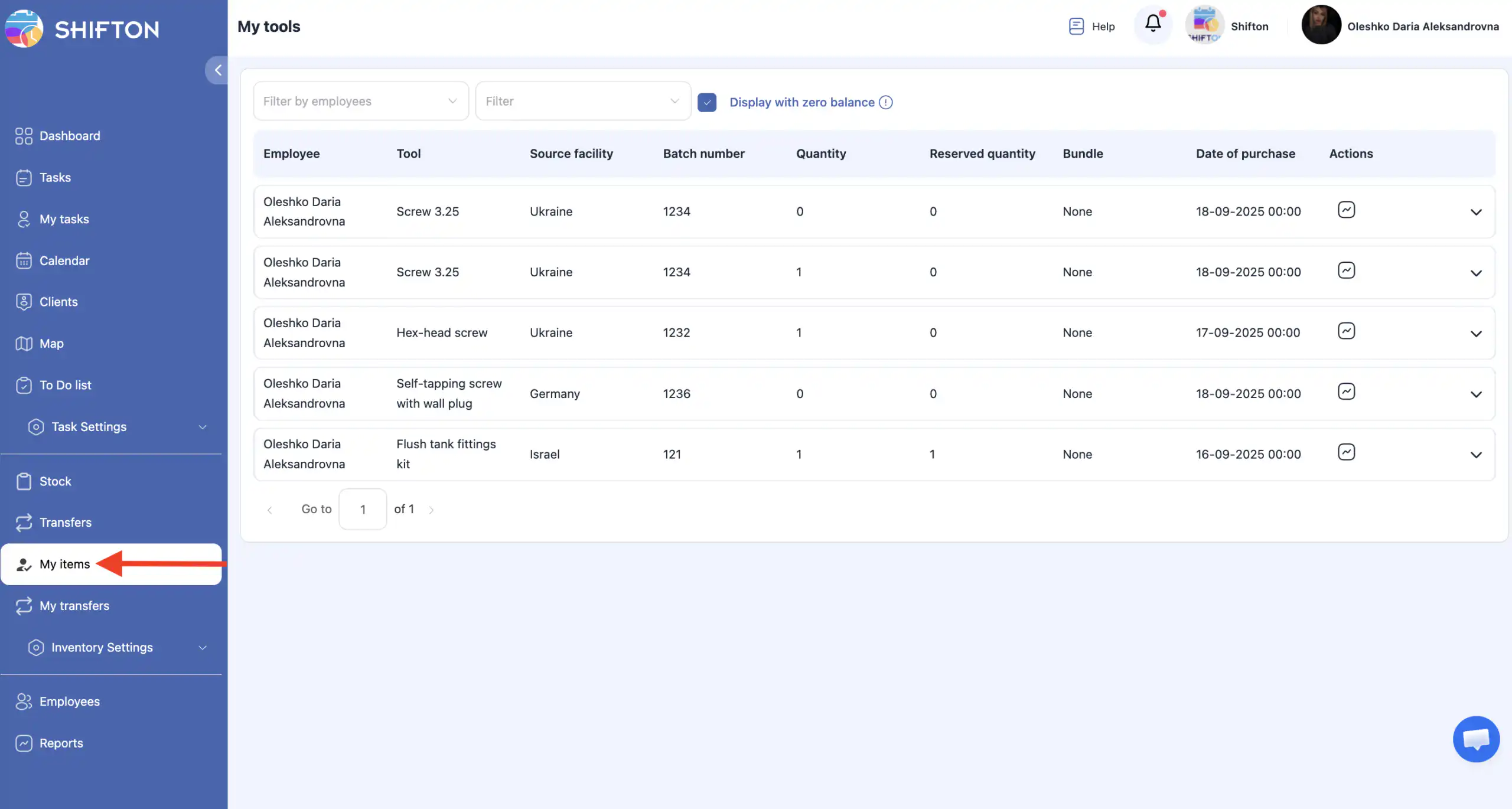
What you will see on the page
On this page you can view:
the list of all tools assigned to you;
tools of other employees (if you have permission).
Viewing tools of other employees
If you have the required permissions:
Use the employee filter at the top of the page.
Select one or more employees.
The system will display the tools assigned to the selected employees.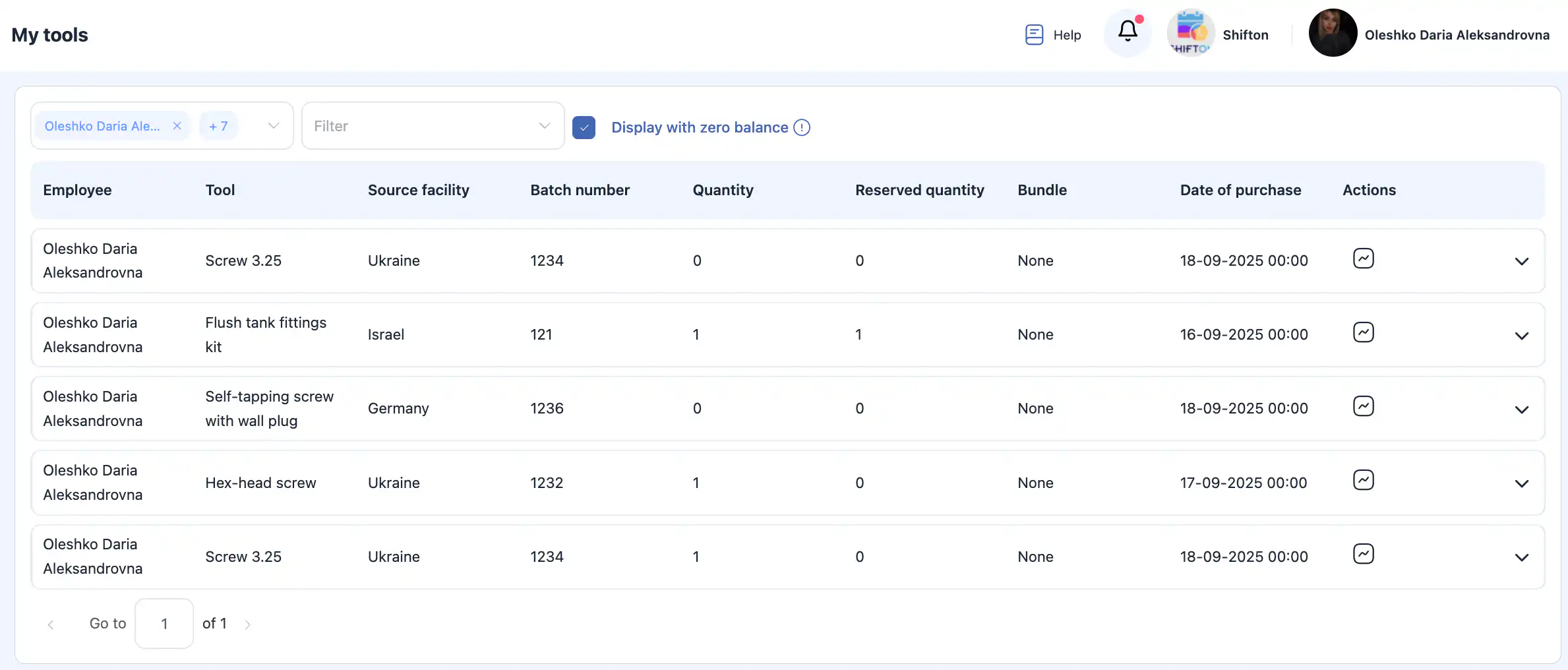
Additional filters
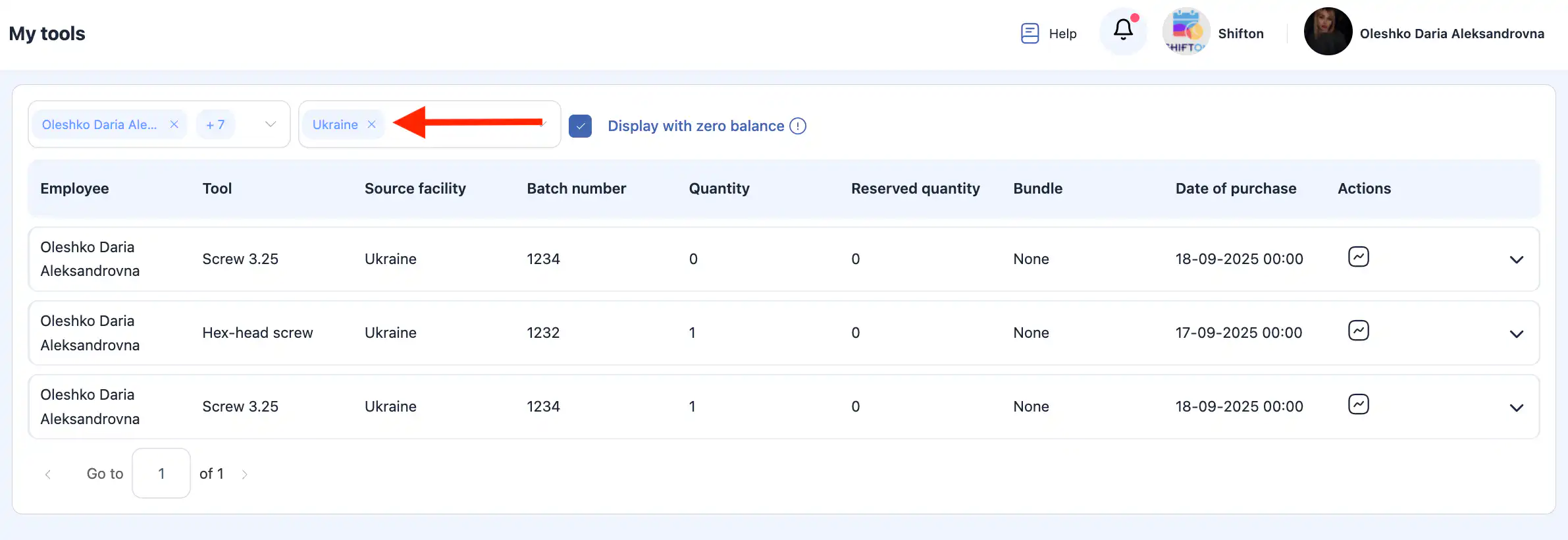
Facility (warehouse) filter
Allows you to select from which facilities the tools were assigned.
If no facility is selected, tools from all facilities are displayed.
Show tools with zero balance
The “Show tools with zero balance” option allows you to see:
tools that were previously assigned to a technician;
but currently have a quantity of 0.
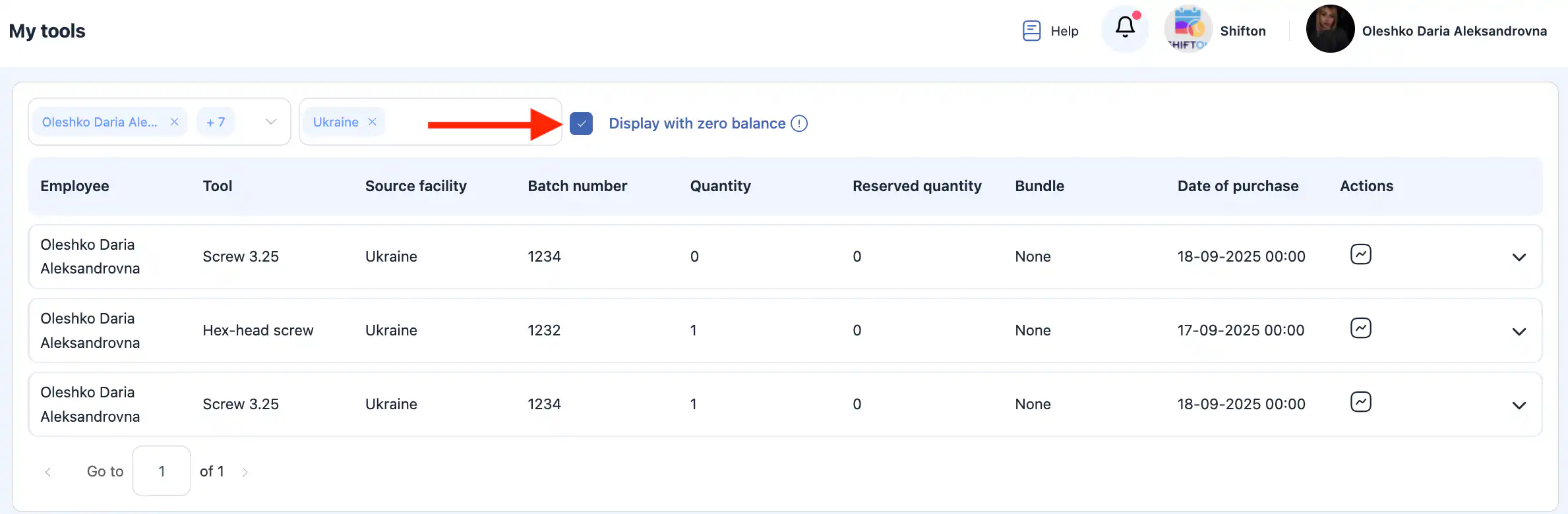
This is useful for analyzing assignment history and tracking tool movement.