

Webhooks allow Shifton to send real-time notifications to your external systems whenever specific events occur in your company.
What Is This?
The Webhooks tab on the Developer page lets you create webhook endpoints that receive automatic notifications from Shifton. When events happen in your account — such as a shift being created, an employee clocking in, or a schedule being published — Shifton sends a data payload to your specified URL. This eliminates the need for your systems to constantly poll Shifton for updates, making integrations faster and more efficient.
Prerequisites
| Requirement | Details |
|---|---|
| Role | Owner |
| Endpoint | A publicly accessible URL on your server to receive webhook payloads |
| Knowledge | Basic understanding of HTTP requests and webhooks (or access to a developer) |
Step-by-Step Instructions
Accessing the Webhooks Tab
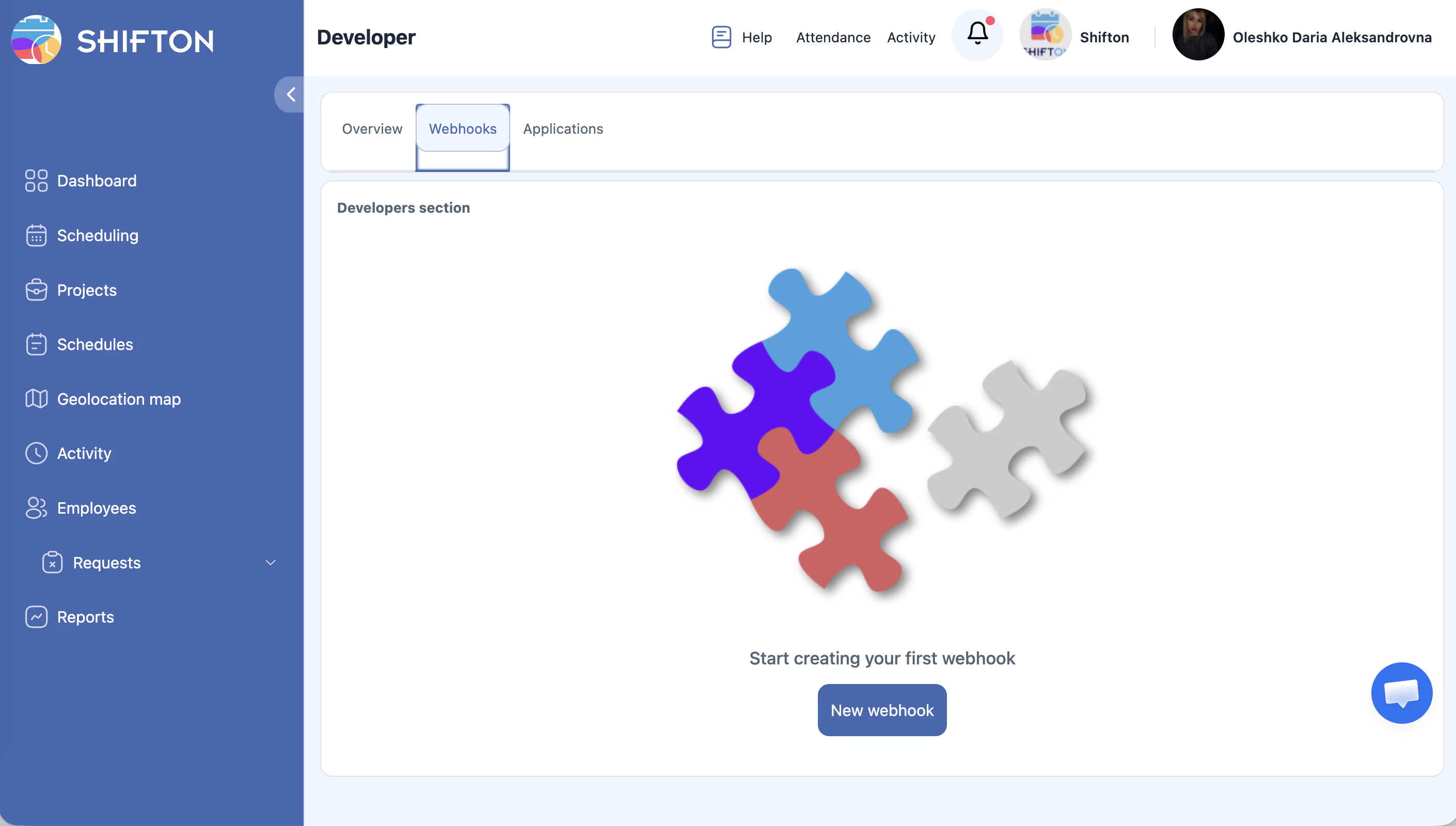
Creating a New Webhook
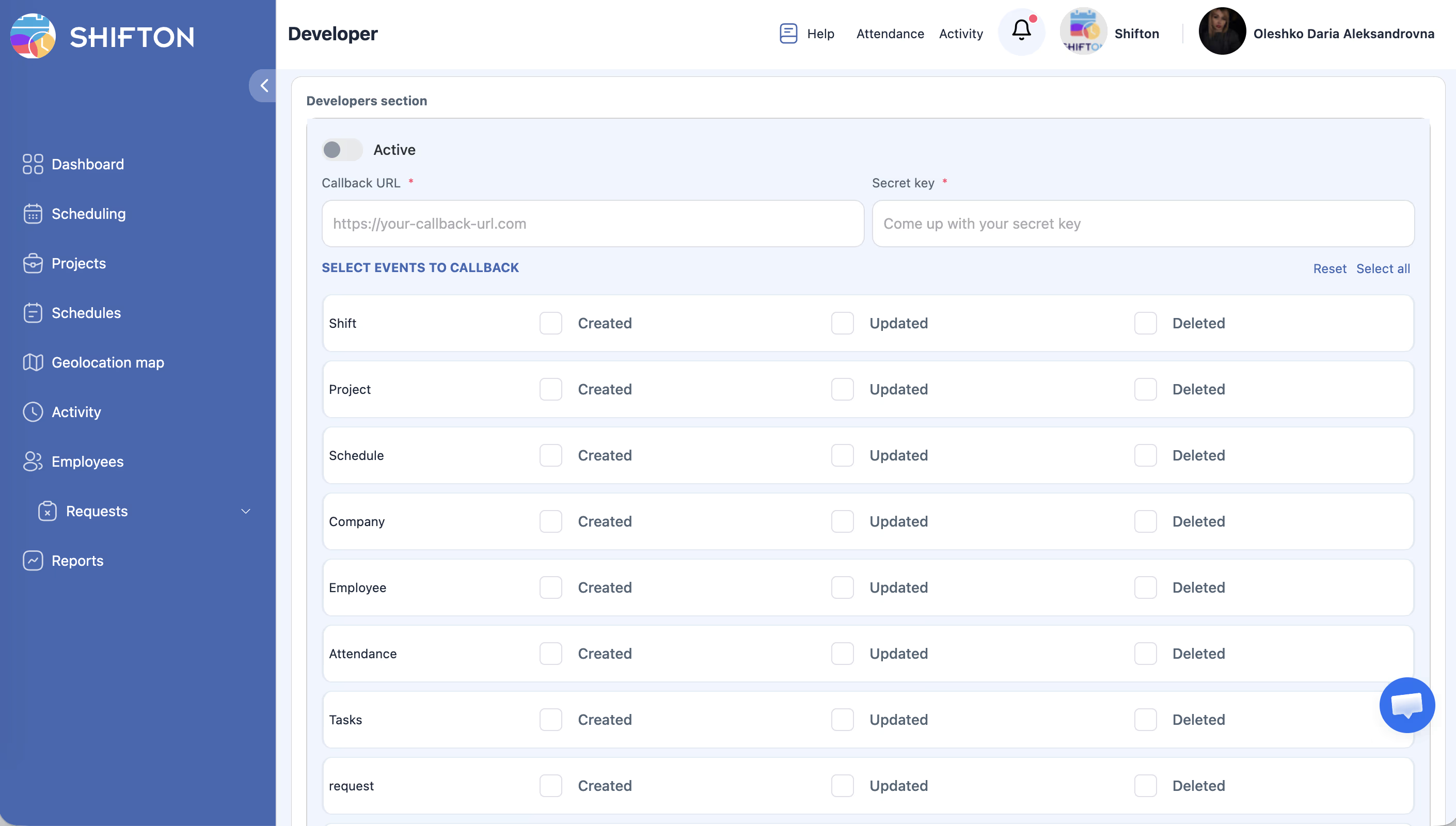
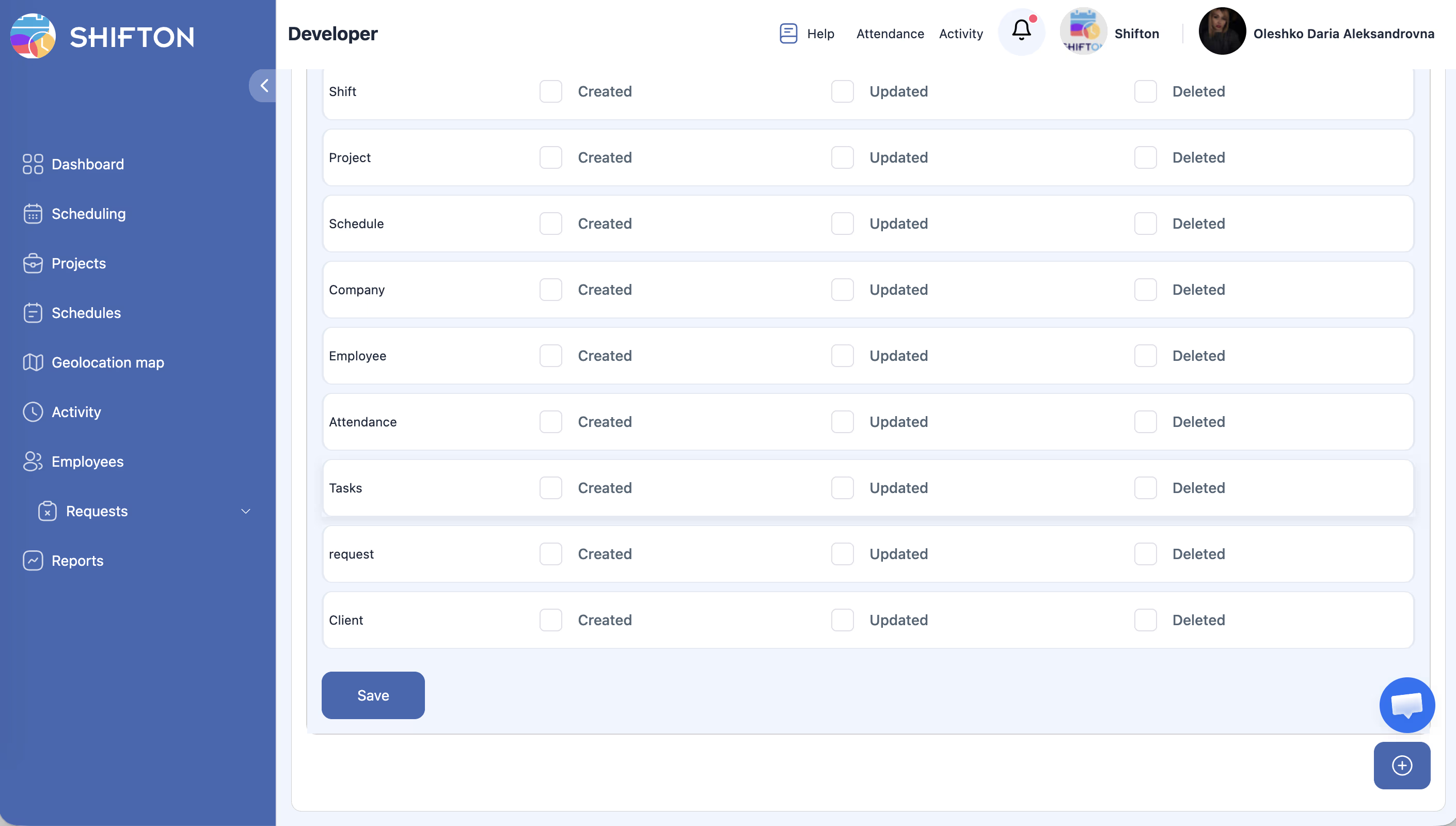
| Field | Description |
|---|---|
| URL | The endpoint URL where Shifton will send event data |
| Events | Select which Shifton events should trigger this webhook |
| Active | Toggle to enable or disable the webhook |
Managing Existing Webhooks
Testing a Webhook
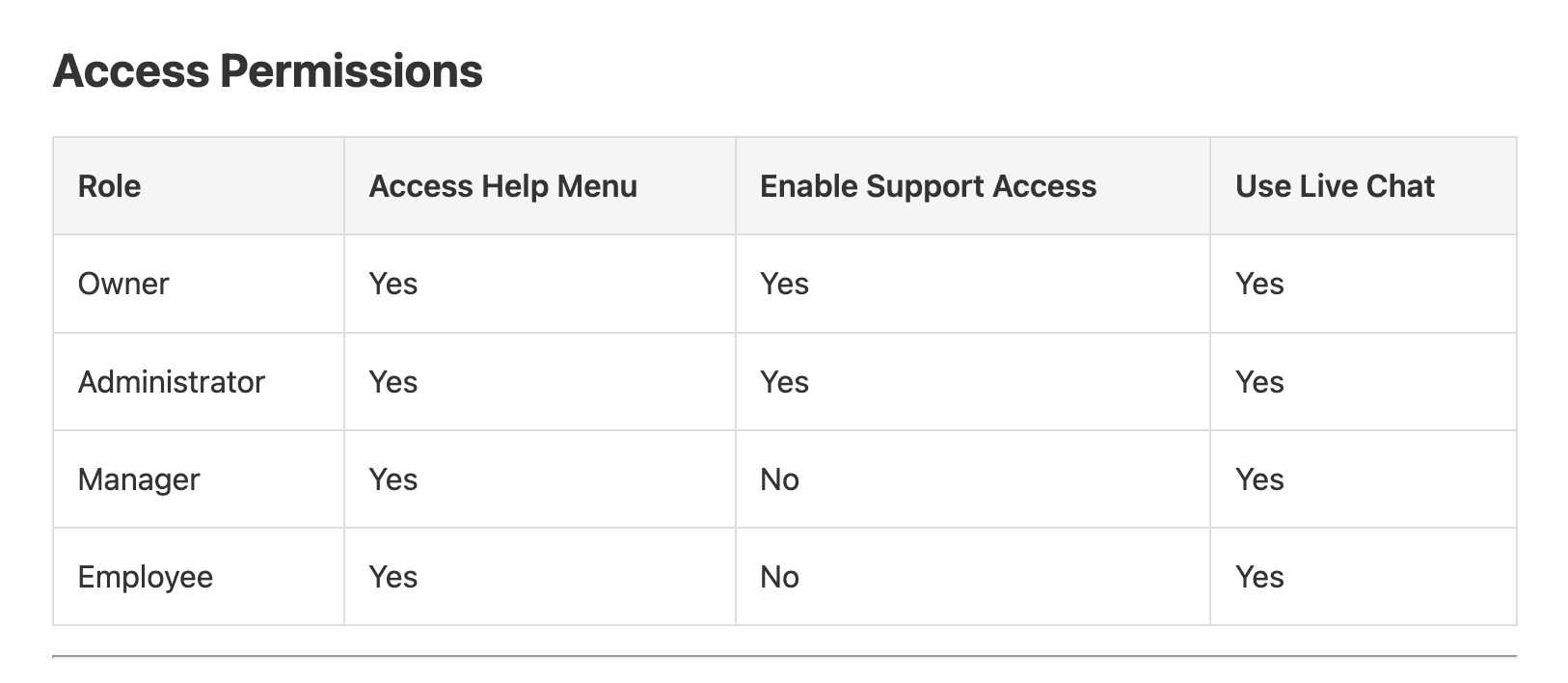
Access Permissions
| Role | View Webhooks | Create/Edit Webhooks | Delete Webhooks |
|---|---|---|---|
| Owner | Yes | Yes | Yes |
| No | No | No | |
| Manager | No | No | No |
| Employee | No | No | No |
FAQ
Q: What format does Shifton use for webhook payloads?
A: Webhooks are sent as HTTP POST requests with a JSON body. Refer to the API documentation for the exact payload structure for each event type.
Q: Can I set up multiple webhooks for the same event?
A: Yes, you can create multiple webhooks that listen to the same event, each pointing to a different URL.
Q: What happens if my server is down when a webhook fires?
A: If your endpoint is unreachable, the webhook delivery may fail. Check the API documentation for details on retry policies and failure handling.
Q: Can I filter webhooks to only trigger for specific employees or projects?
A: Webhook event selection is typically at the event-type level. You would need to filter the incoming data on your server side to handle specific employees or projects.
Q: How do I secure my webhook endpoint?
A: Consider using a secret token or signature verification to validate that incoming requests genuinely come from Shifton. Refer to the API documentation for security recommendations.
Possible Issues and Solutions
| Issue | Possible Cause | Solution |
|---|---|---|
| Webhook not firing | Webhook is set to inactive | Edit the webhook and ensure the Active toggle is enabled |
| Endpoint returns errors | URL is incorrect or server is down | Verify the URL is correct and your server is running and publicly accessible |
| Payload not received | Firewall blocking incoming requests | Check your server firewall settings to allow incoming POST requests from Shifton |
| Webhook fires but data is incomplete | Wrong event type selected | Edit the webhook and verify the correct events are selected |
| Empty state shown despite existing webhooks | Page not refreshed | Refresh the Webhooks tab to load the latest data |
| “New webhook” button not visible | Insufficient permissions | Ensure you have Owner role |