

The Notifications section allows you to receive alerts about new events and changes related to your profile and tasks. All notifications are sent automatically when enabled.
Configuring Notifications
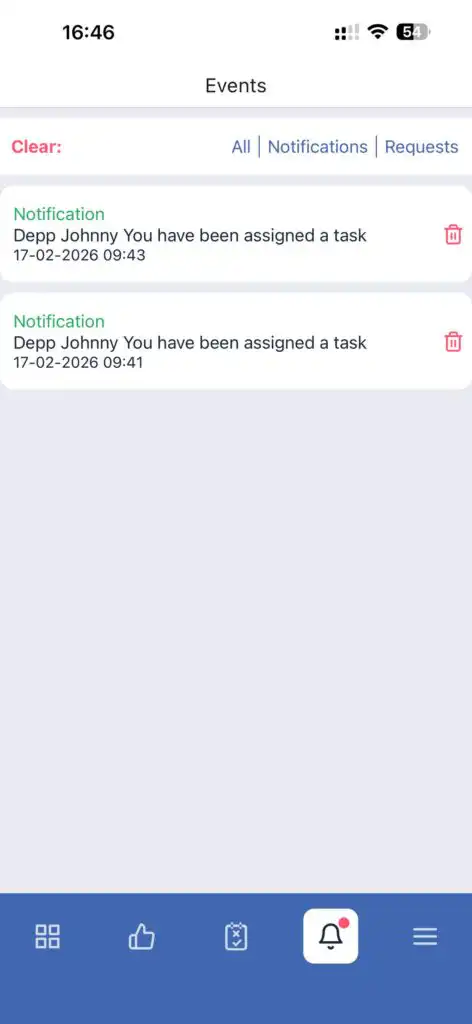
Note: You cannot enable or disable notifications for individual task types — the setting applies to all notifications.
FAQ
Q: Why am I not receiving notifications?
A: Make sure the notification toggle is enabled in My Profile → Notifications, and that push notifications are allowed on your device.
Q: Can I receive notifications only for certain tasks?
A: No. Notifications apply to all events and tasks.
Q: How quickly do notifications appear?
A: Notifications appear immediately after an event (task creation, update, or completion) when connected to the internet.
Q: Where are notifications displayed?
A: In the app and via push notifications if enabled.