

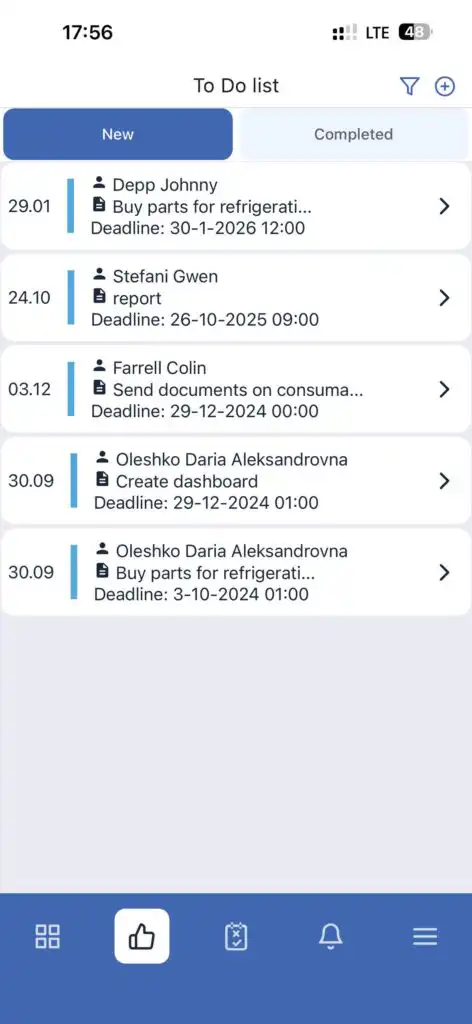
In the mobile app, in addition to standard tasks, there is To-Do — assignments with text descriptions and deadlines.
Viewing To-Do
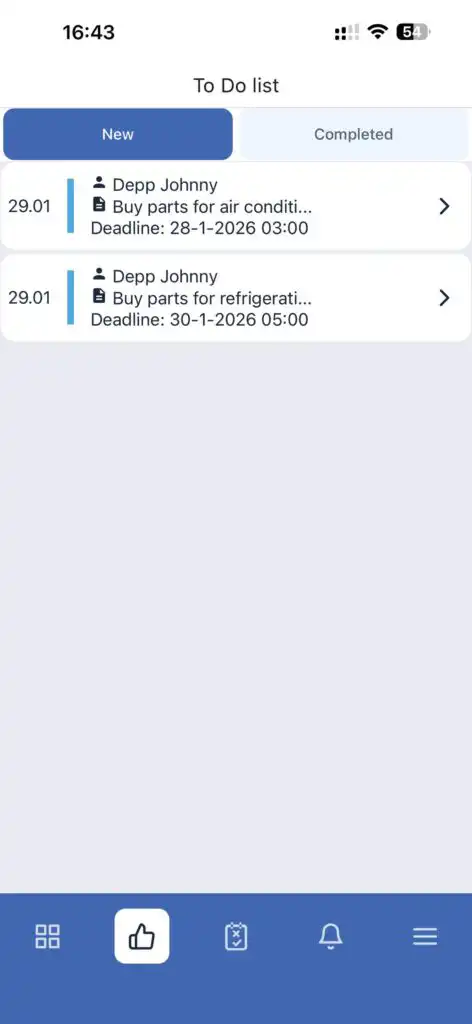
- See the text description
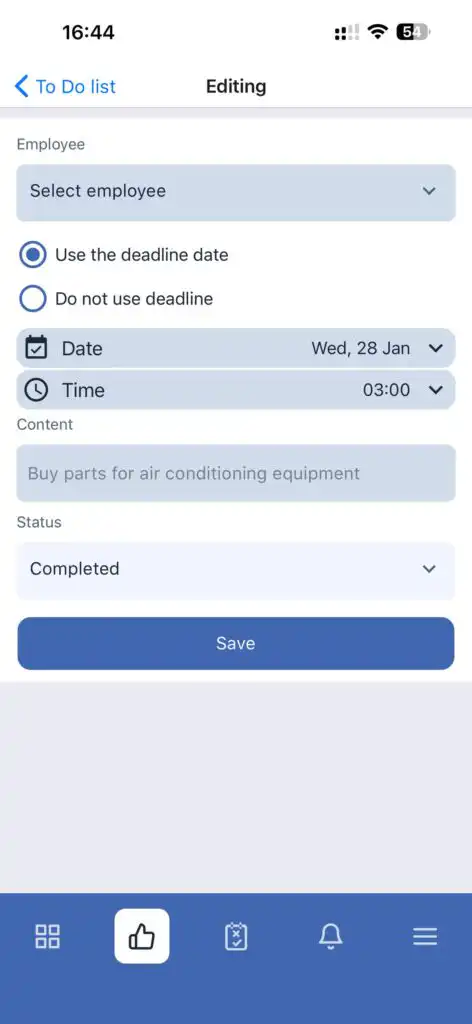
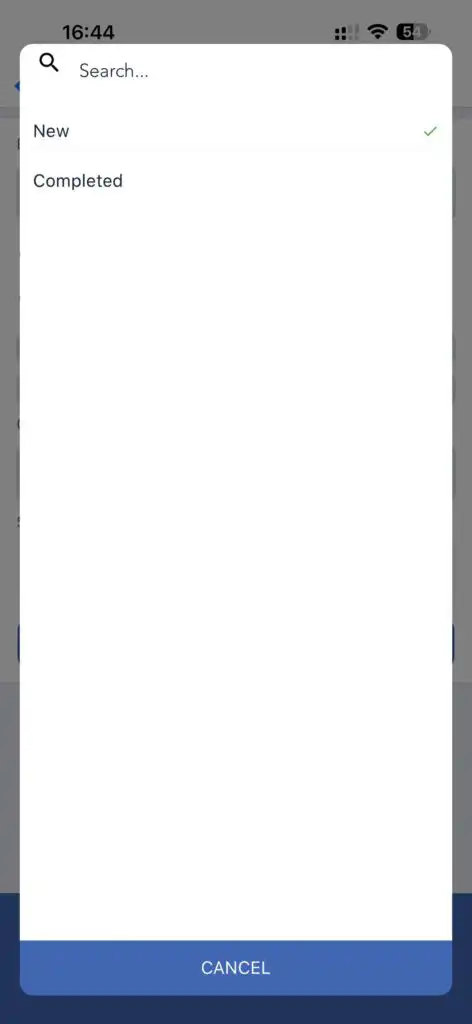
- Change status from New to Completed
To view completed To-Do, go to the To-Do — Completed section.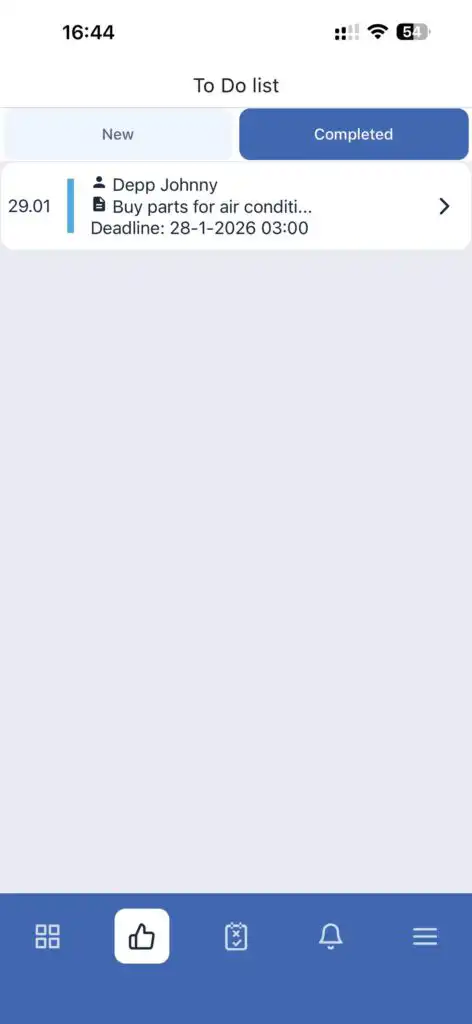
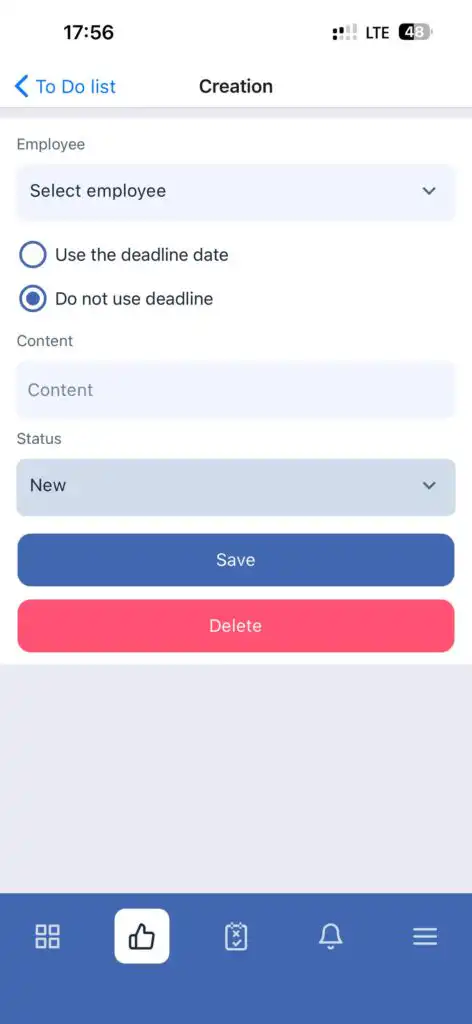
Creating To-Do (Administrator or Owner Only)
Filtering To-Do (Administrator or Owner Only)
Deleting To-Do
To delete a To-Do, open it and tap the Delete button.
FAQ
Q: Who can create To-Do assignments?
A: Only administrators and company owners.
Q: Can I set a deadline for a To-Do?
A: Yes. You can enable or disable the deadline when creating a To-Do.
Q: How do I mark a To-Do as completed?
A: Open the To-Do and change its status from New to Completed.
Q: Where can I find completed To-Do?
A: In the To-Do — Completed section.
Q: Can I delete a To-Do?
A: Yes. Open the To-Do and tap Delete.
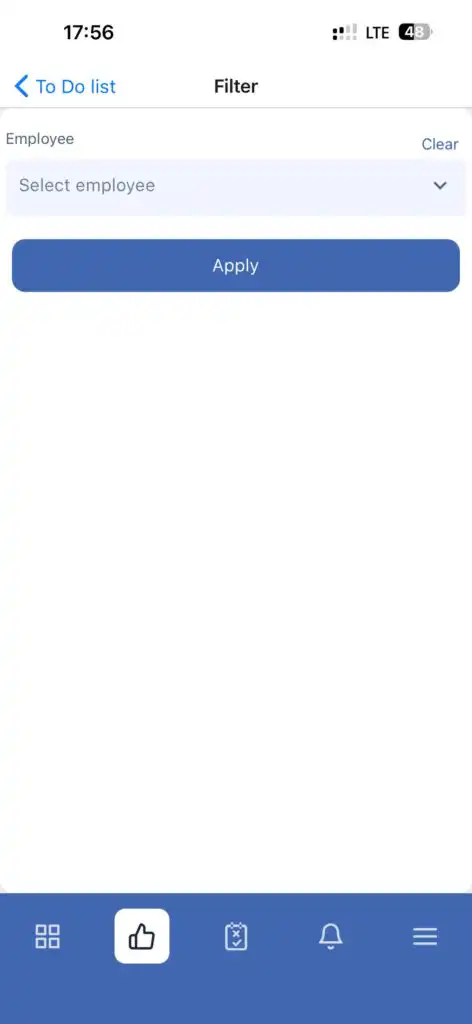
Q: Can To-Do be filtered by employee?
A: Yes, filtering is available only for administrators and owners via the filter icon.