

Connect Shifton with Usedesk to sync employee agent statuses with your customer support platform.
What Is This?
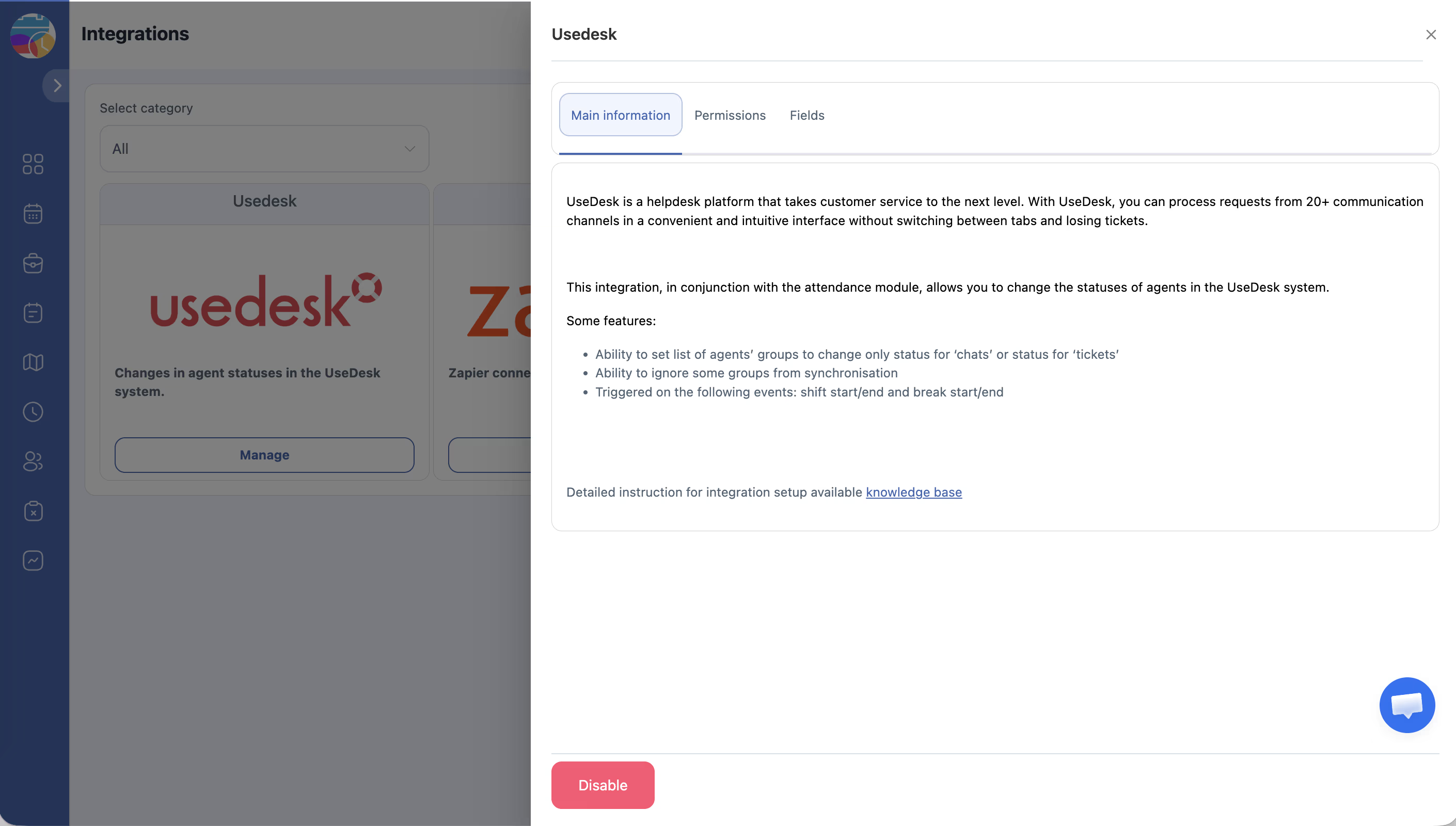
The Usedesk integration links Shifton with the Usedesk customer support platform, enabling automatic synchronization of agent availability statuses. When employees are scheduled for shifts in Shifton, their status in Usedesk updates accordingly — helping your support team manage ticket assignments based on who is actually working.
Prerequisites
| Requirement | Details |
|---|---|
| Role | Owner in Shifton |
| Account | Active Usedesk account with administrator access |
| API channel | An API channel must be created in Usedesk before connecting |
Step-by-Step Guide
Step 1 — Create an API Channel in Usedesk
Step 2 — Connect Usedesk in Shifton
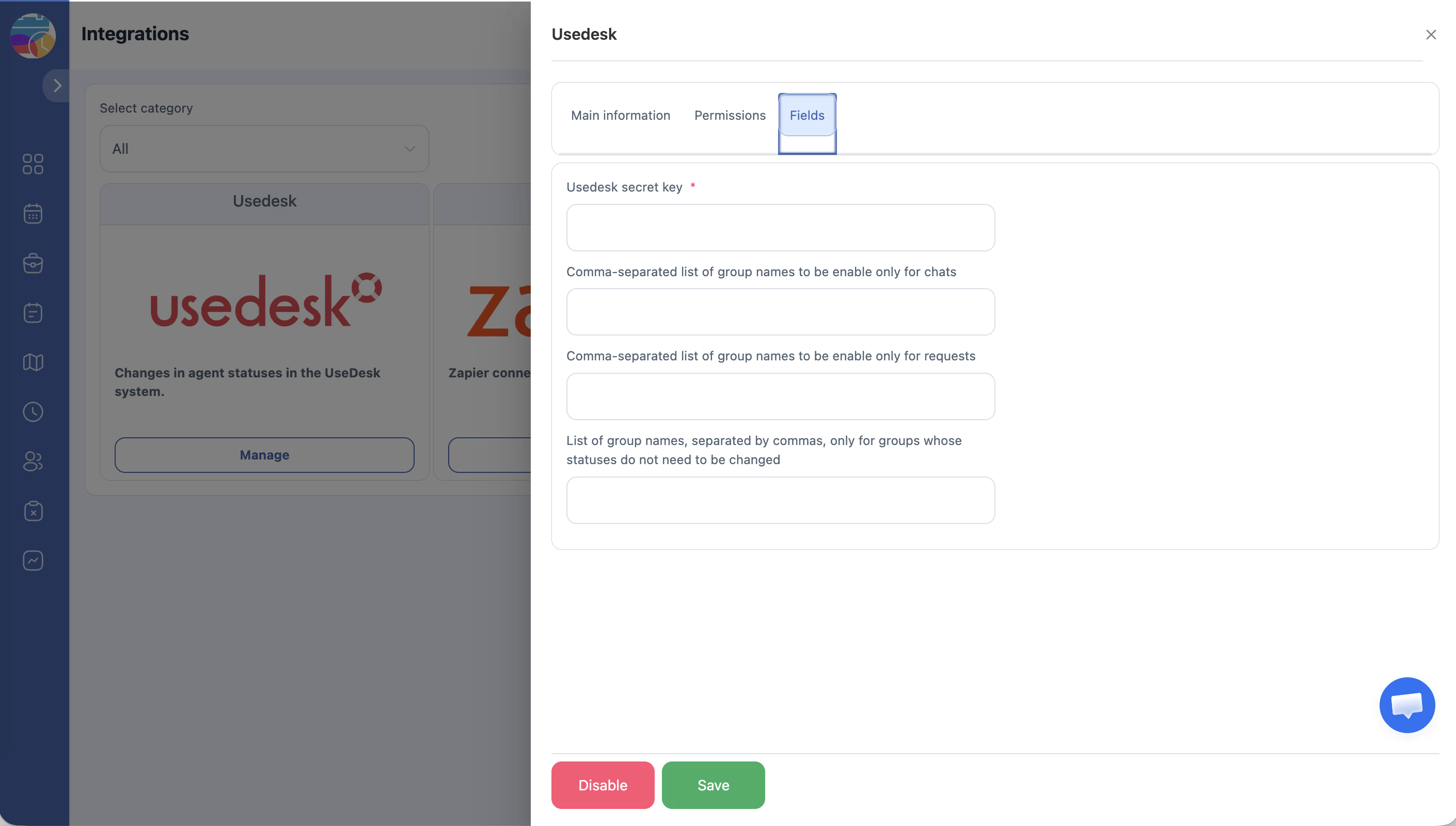
| Field | Description |
|---|---|
| Group chats | Comma-separated Usedesk group names for chat status sync |
| Group requests | Groups for which request status changes should be synced |
| Do not change | Groups whose statuses should NOT be changed by Shifton |
All group names must exactly match the group names in your Usedesk account.
The integration is now active. Shifton will sync employee statuses with Usedesk based on their scheduled shifts.
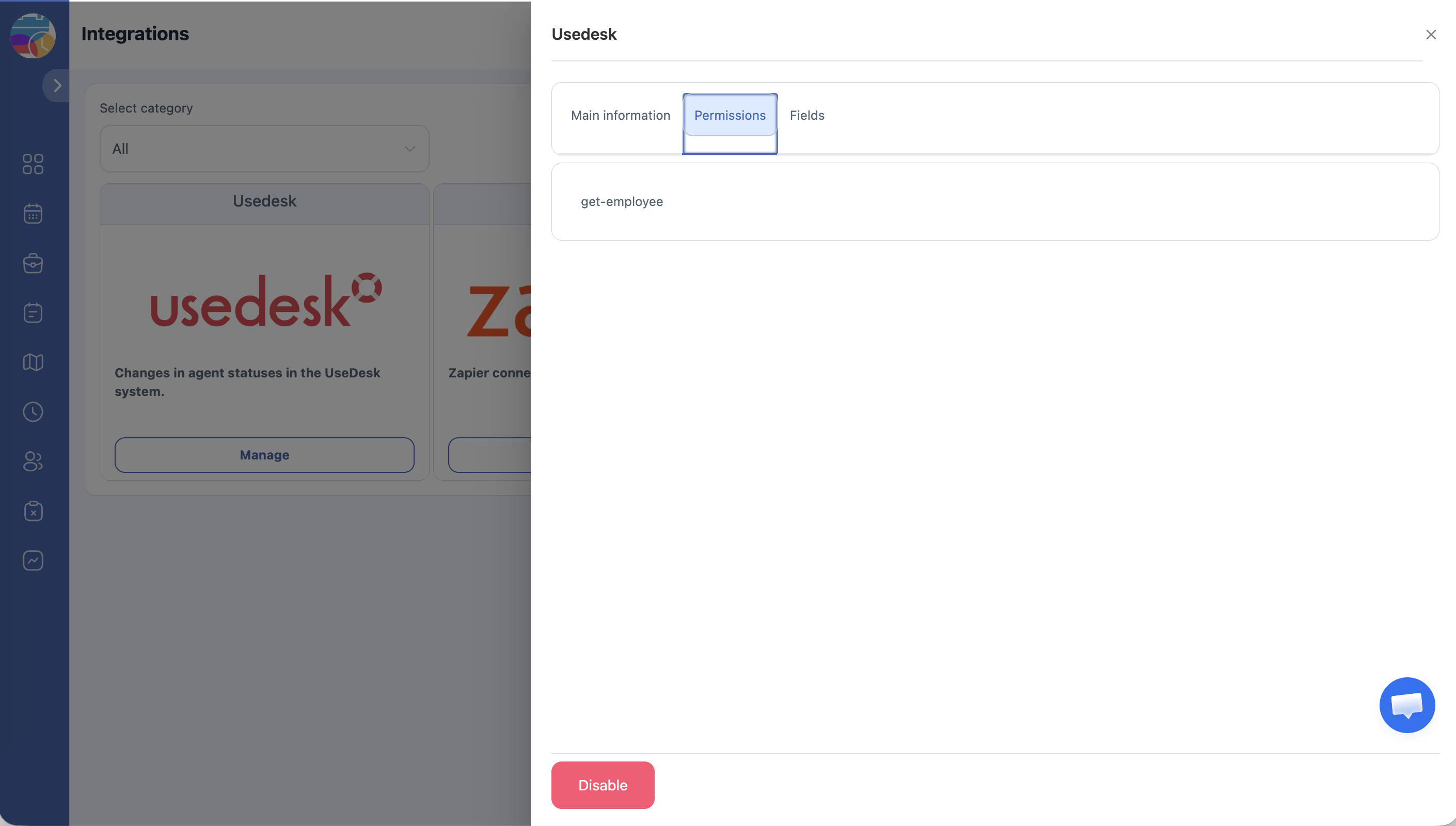
Access Permissions
| Role | Connect Integration | Configure Groups | View Status |
|---|---|---|---|
| Owner | Yes | Yes | Yes |
| No | No | No | |
| Manager | No | No | No |
| Employee | No | No | No |
FAQ
Q: Where do I find the API key in Usedesk?
A: Go to Channels in your Usedesk account, find the API channel you created, and copy the App secret key.
Q: What happens if group names in Shifton don’t match Usedesk?
A: Status sync will not work for mismatched groups. Verify that group names are spelled identically in both systems (case-sensitive).
Q: Can I disconnect the Usedesk integration later?
A: Yes. Go to Integrations in Shifton, find the Usedesk integration, and use the disconnect or disable option.
Q: Does this integration affect Shifton scheduling?
A: No. The integration only syncs agent statuses outward to Usedesk — it does not modify schedules in Shifton.